iPostal1 commission payments are sent once per month. Payments are sent via ACH on the day you are paid and no additional fees are associated with ACH.
- Payment information is only visible when logged in as the Mail Center Owner.
- iPostal1 covers the fees associated with ACH so there is no additional cost to you.
- You are paid for all transactions processed in the previous month.
- Payments are sent on the same day of the month.
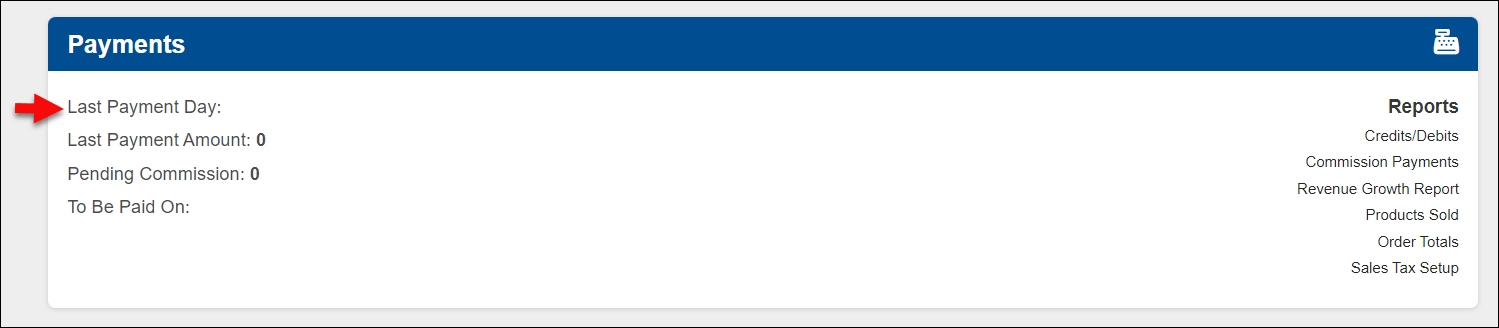
- Your payment date can be found on the Admin Portal dashboard, in the "Payments" Section.
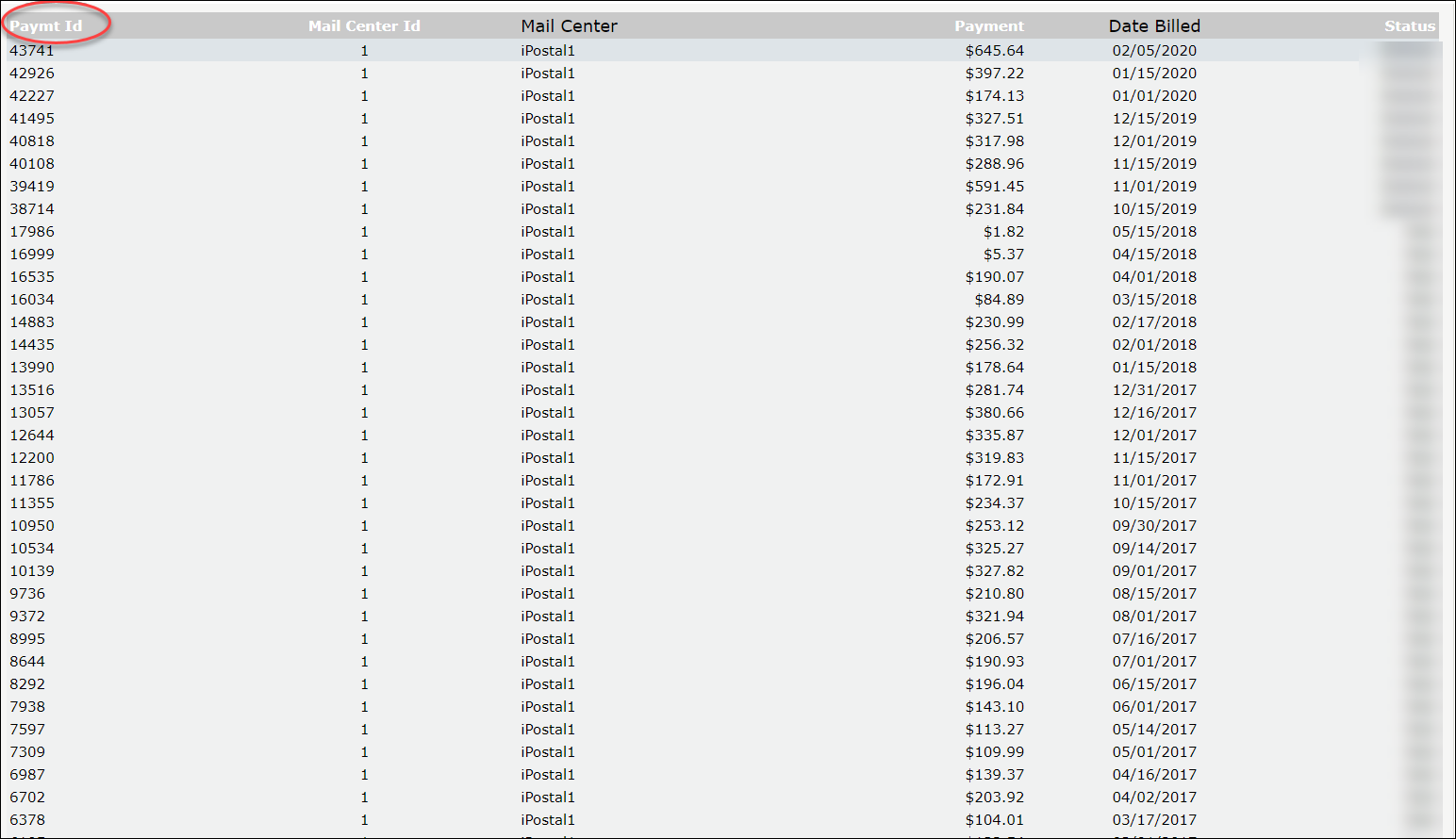
You can view a report of past commission payments by clicking on the link, Commission Payments, located in the Payment section of your dashboard. You will be brought to a page where you can view your past commission statements. You can click on the Payment ID number to view the individual transactions included in that payment.
To view a report of past Commission Payments:
1. Login in the Admin Portal Dashboard, locate the "Payments" tile towards the bottom of the screen.
2. Click on "Commission Payments" under "Reports".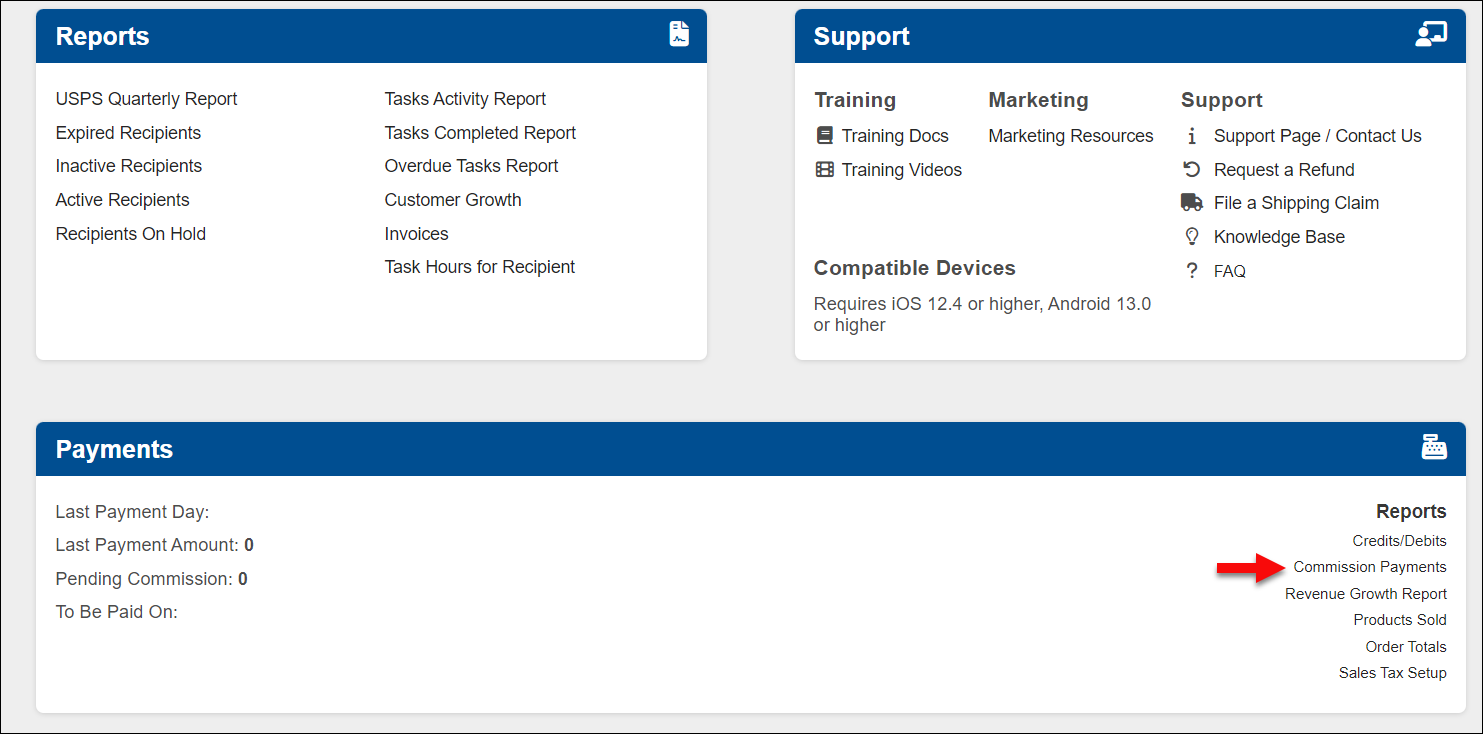
3. You will be brought to a page where you can view your past commission payment statements. You can click on the Payment ID number to view the individual transactions included in that payment.