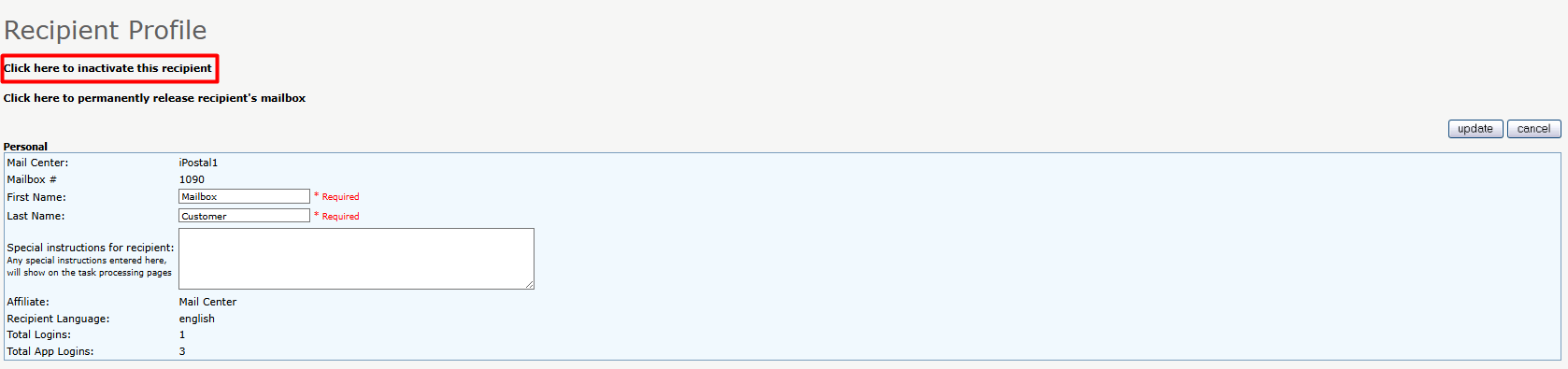
Follow the steps below to inactivate an iWorkSpaceMail member:
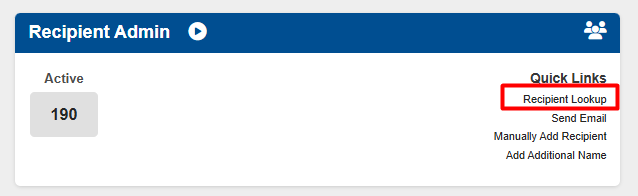
1. Click on "Recipient Lookup" under the Recipient Admin tile.
2. Search for the member by name or mailbox number, click Search. Then click on the search results.
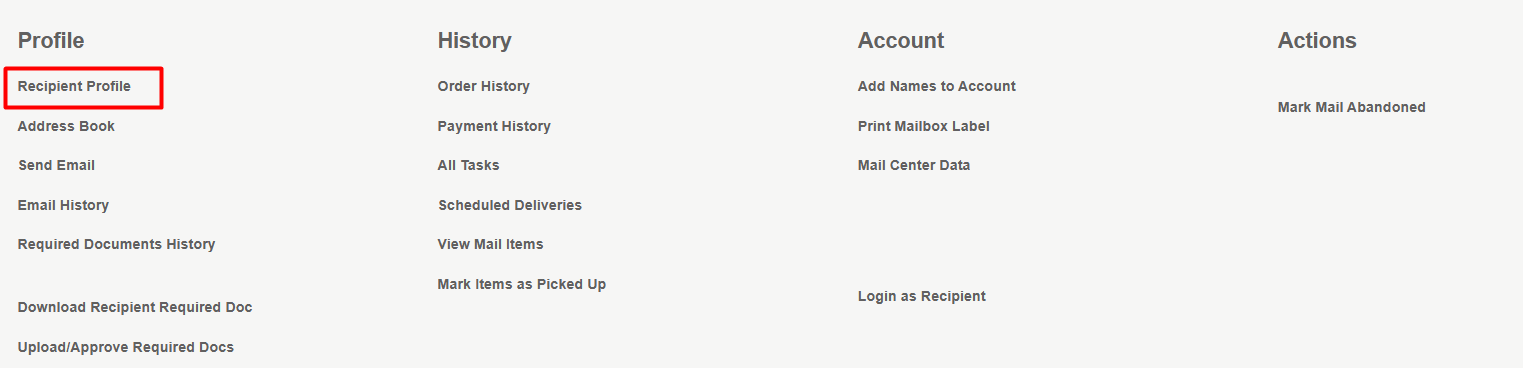
3. Click on "Recipient Profile", under the Recipients Details page.
4. Click on "Click here to inactivate this recipient", click "Ok" to confirm your selection. The member will be removed from the system.