For those stores who are trained in international export regulations and wish to provide international shipping for their recipients, in addition to the terms of service, you will need to review and agree to the International Export Regulations and the Do Not Ship list.
Note:
- International recipients and customers that are shipping internationally, must use our online Notary in order to be allowed to create any shipments.
- To access this function, you must have a Mail Center Owner or Mail Center Admin account login.
- If you do not have access to the owner login and need to add an employee you can contact the owner or iPostal1 support to assist.
To change your International Shipping:
On the dashboard select "Mail Center Setup" located at the top right, under "Quick Links".
2. Click "Settings".
3. Select "International Settings". You can choose what level of international shipping tasks you are comfortable processing.
- If you do not allow for international shipping, you are not eligible to receive international customers.
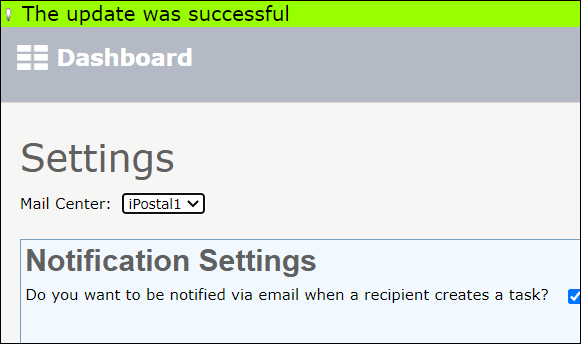
4. Click "Update" and wait until the update is completed. You will see a green bar at the top of the screen when the update is completed successfully.