
Shipping references are set up during your initial training. The Shipping Price Margins and your selected carriers can always be adjusted in real time.
It is important to fill these fields out correctly and provide customers with reasonable rates. Most mail centers keep their rates under 50% or 1.50 in the margin fields. You profit margin is slightly more than the percentage as we receive wholesale prices with each carrier. For instructions on how to set pricing for Single Letter Rate, click Here.
The Shipping Price Setup is in Decimals, ex:
1 = Retail Rate
1.2 = 20% markup of retail rates.
The Handling Fee Price Setup is a Dollar amount, ex:
If you set USPS domestic handling to $1.00 USD, it will add $1.00 to the cost of any shipment request from your location.
To remove a specific carrier:
Enter 0.00 as the margin and it will removed as a shipping option for customers.
⚠ CAUTION ⚠ The Remove button at the top of the page will clear all the shipping settings.
To update your shipping margins:
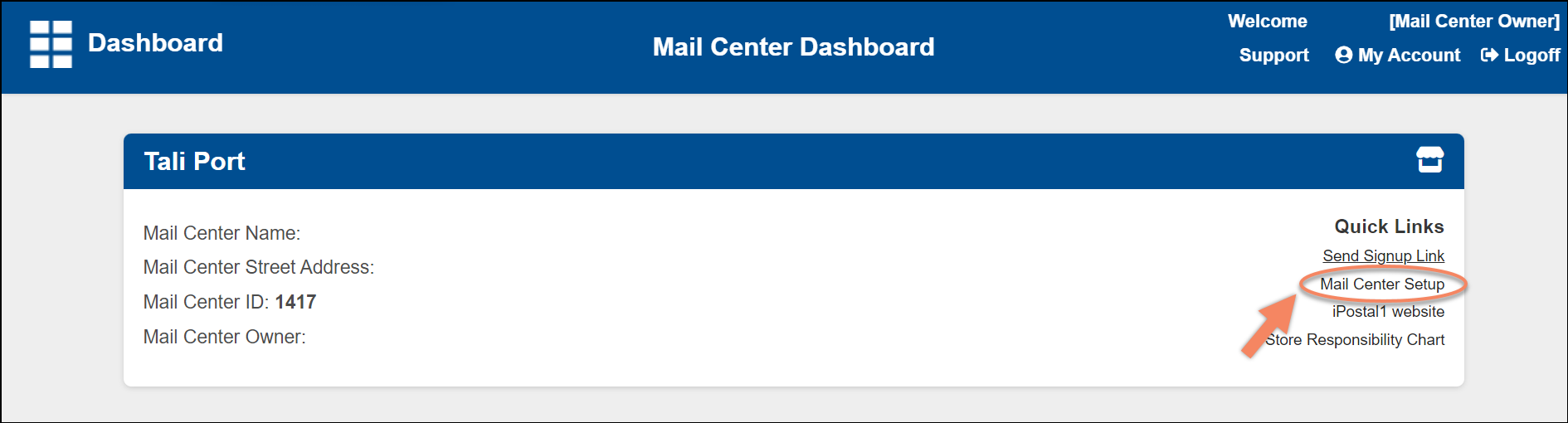
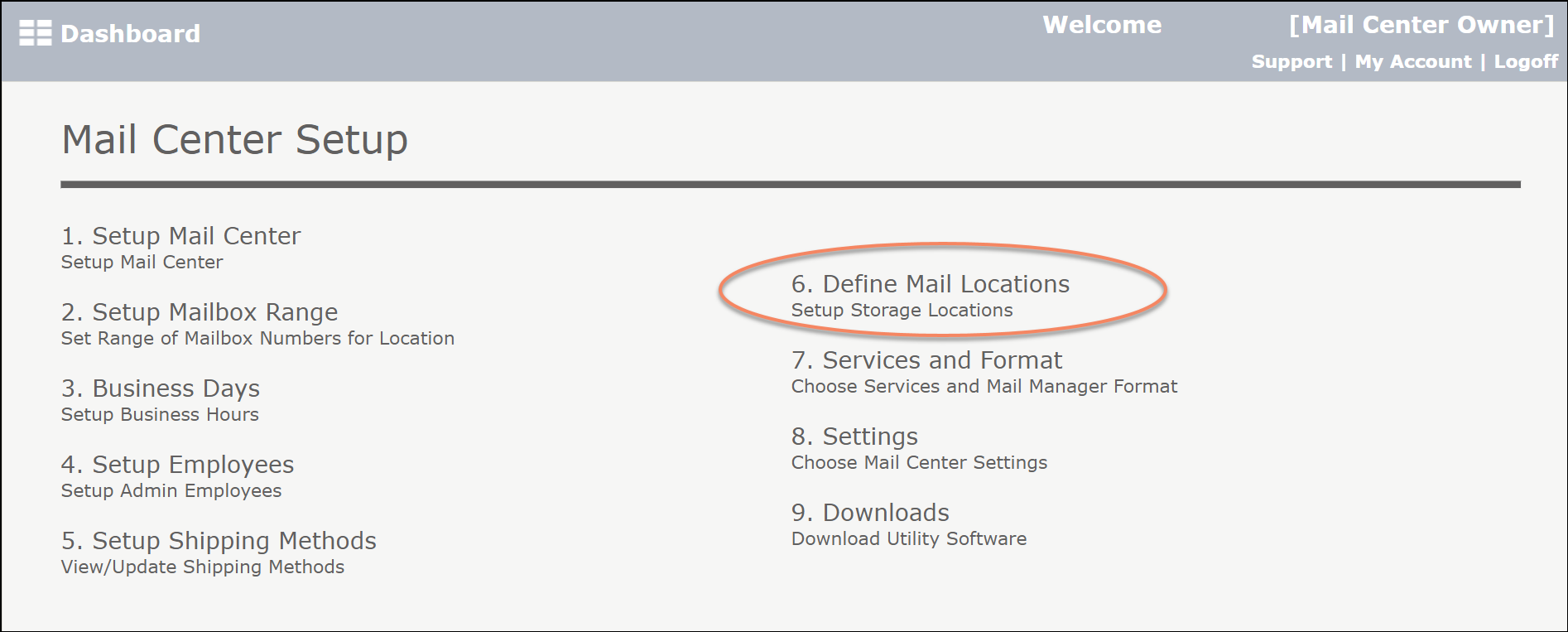
1. Click on "Mail Center Setup", located at the top right under "Quick links" and click "6. Setup Shipping Methods".
2. Under "All Rates", click "Edit" to update any shipping options.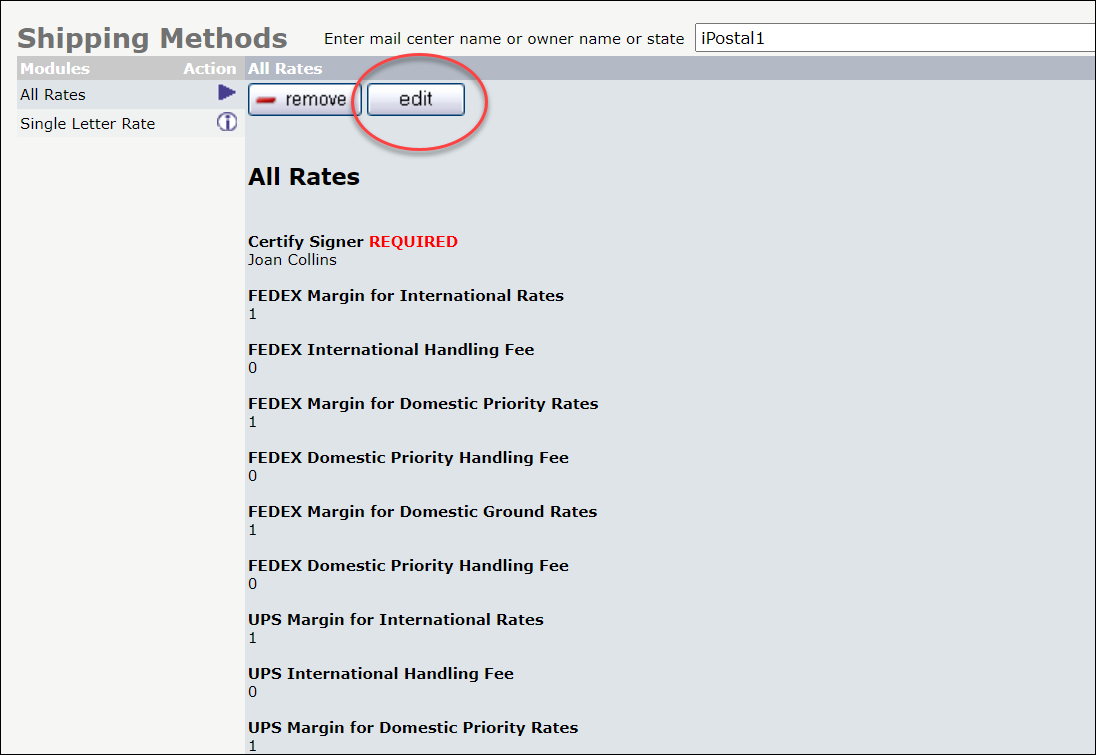
3. Enter your new margin, as a percentage.
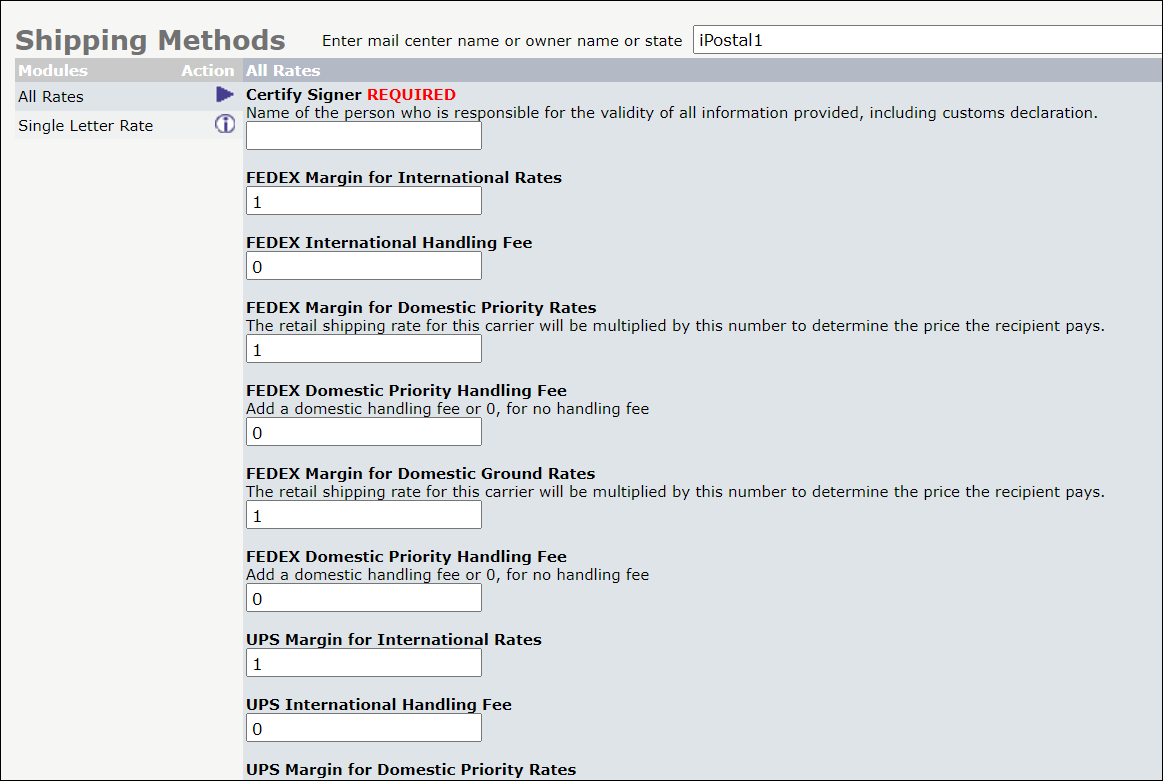
4. When finished, click "Update". 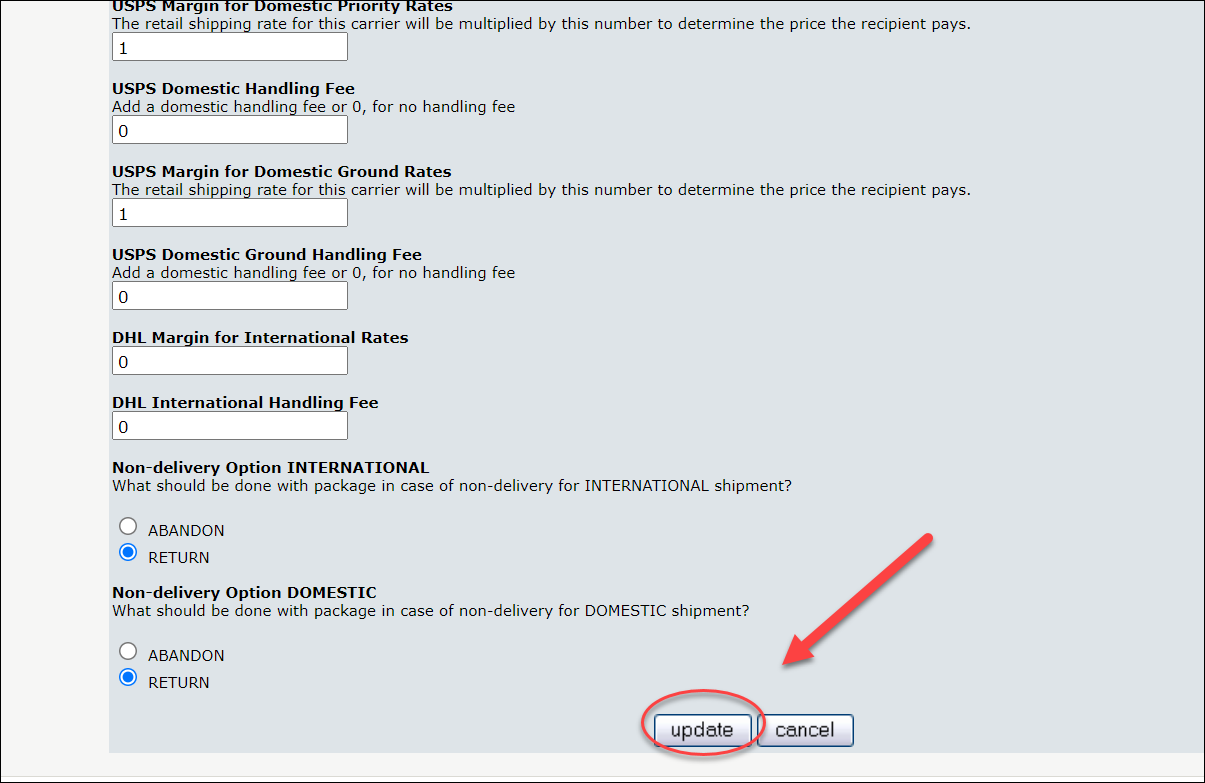
5. The new price you entered will now be shown to the recipients, when they make a shipping request.