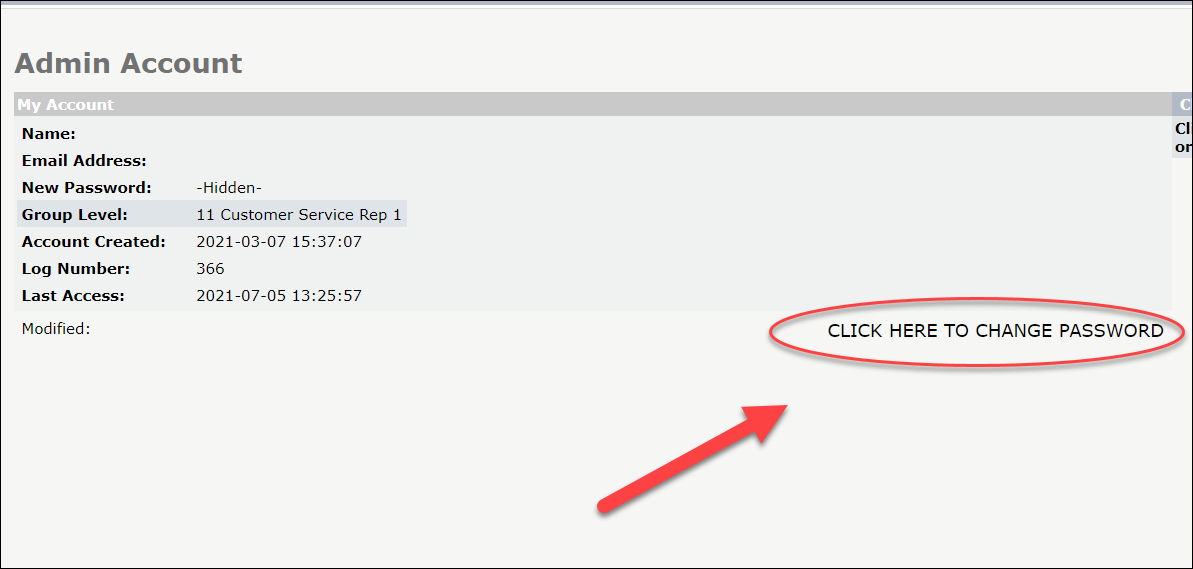
Your password is the same for the Admin Portal Dashboard and the USZoom Utility App. You can always change your password at any time.
If you have forgotten your iPostal1 Admin password:
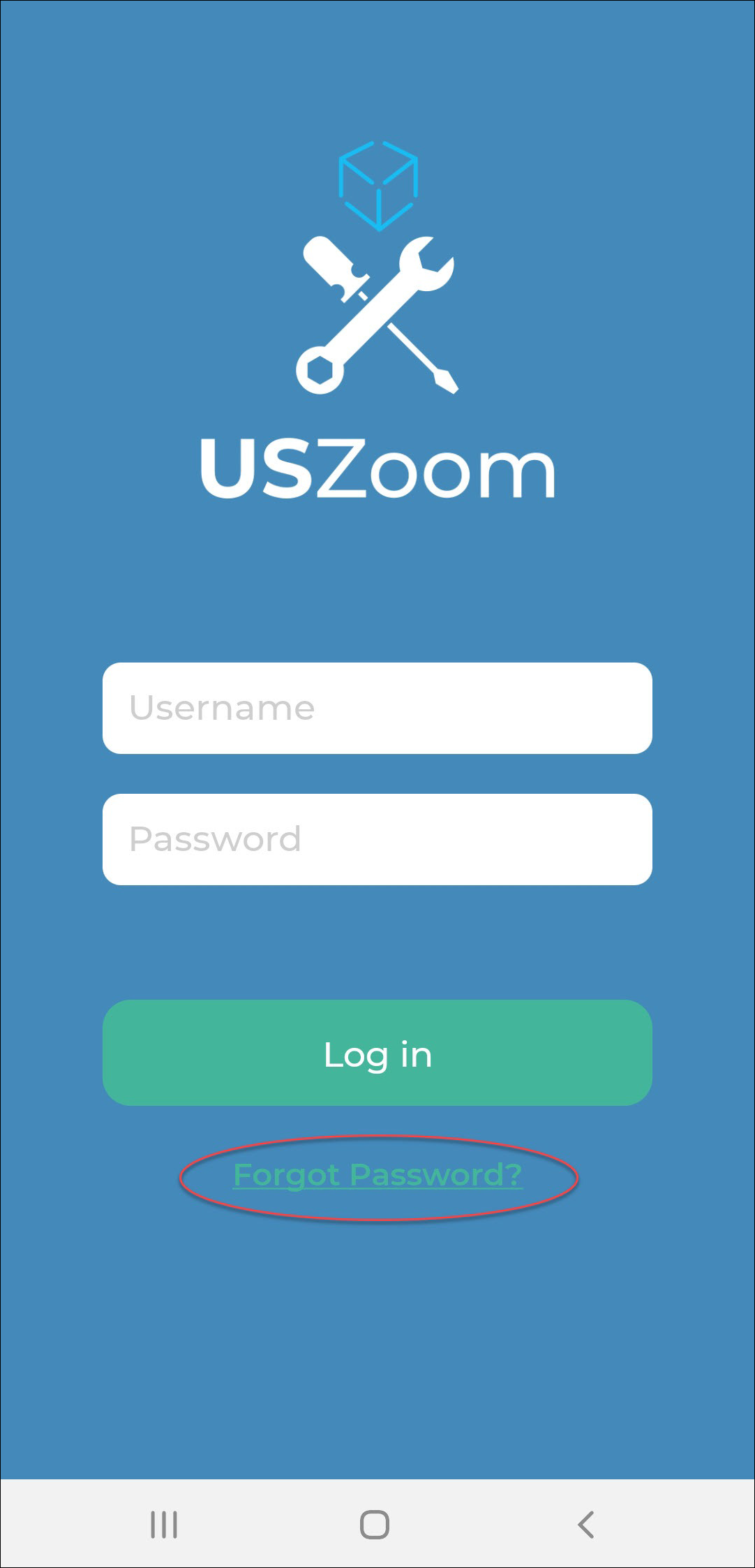
1. Click "Forgot Password" on the login page.
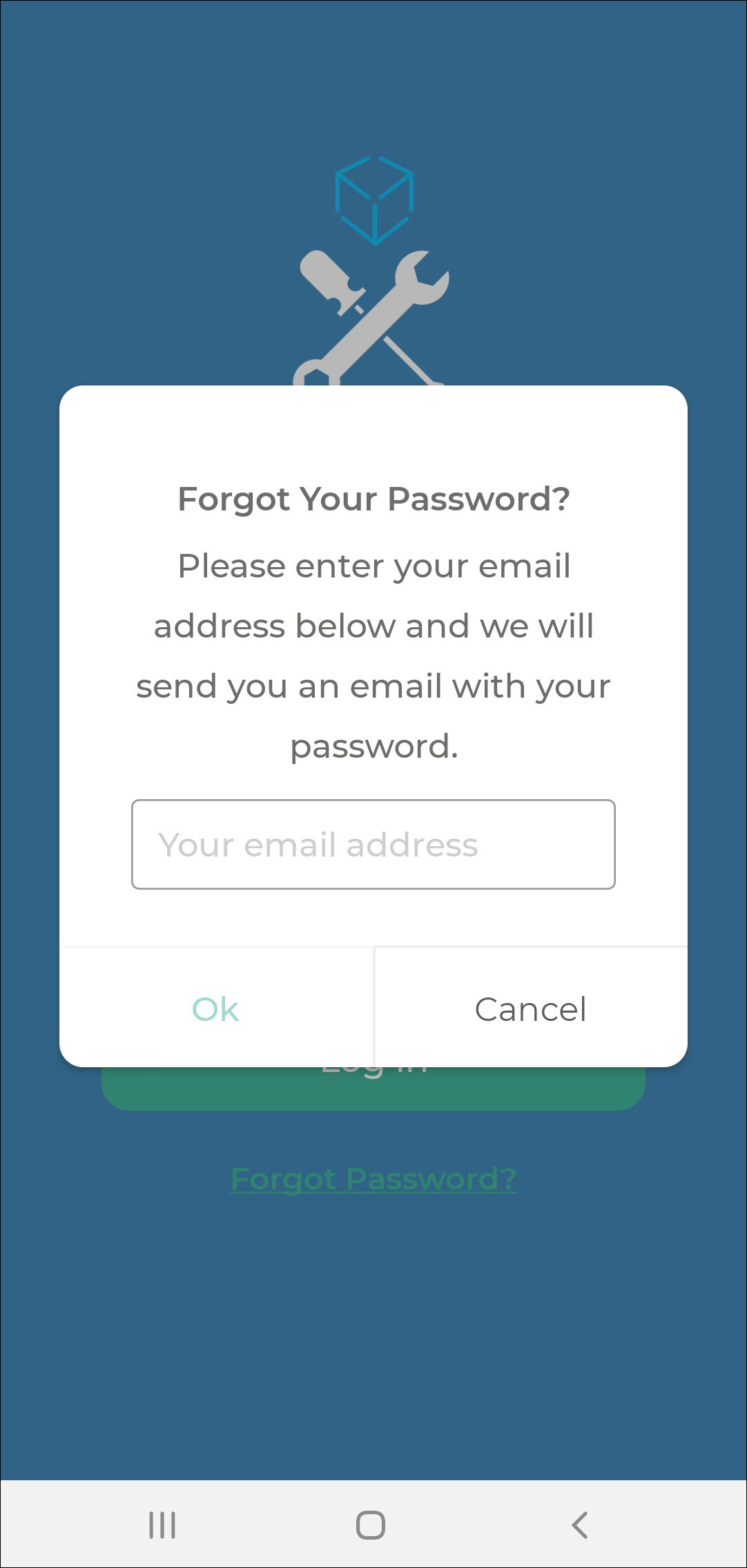
2. Enter your address and click "Ok".
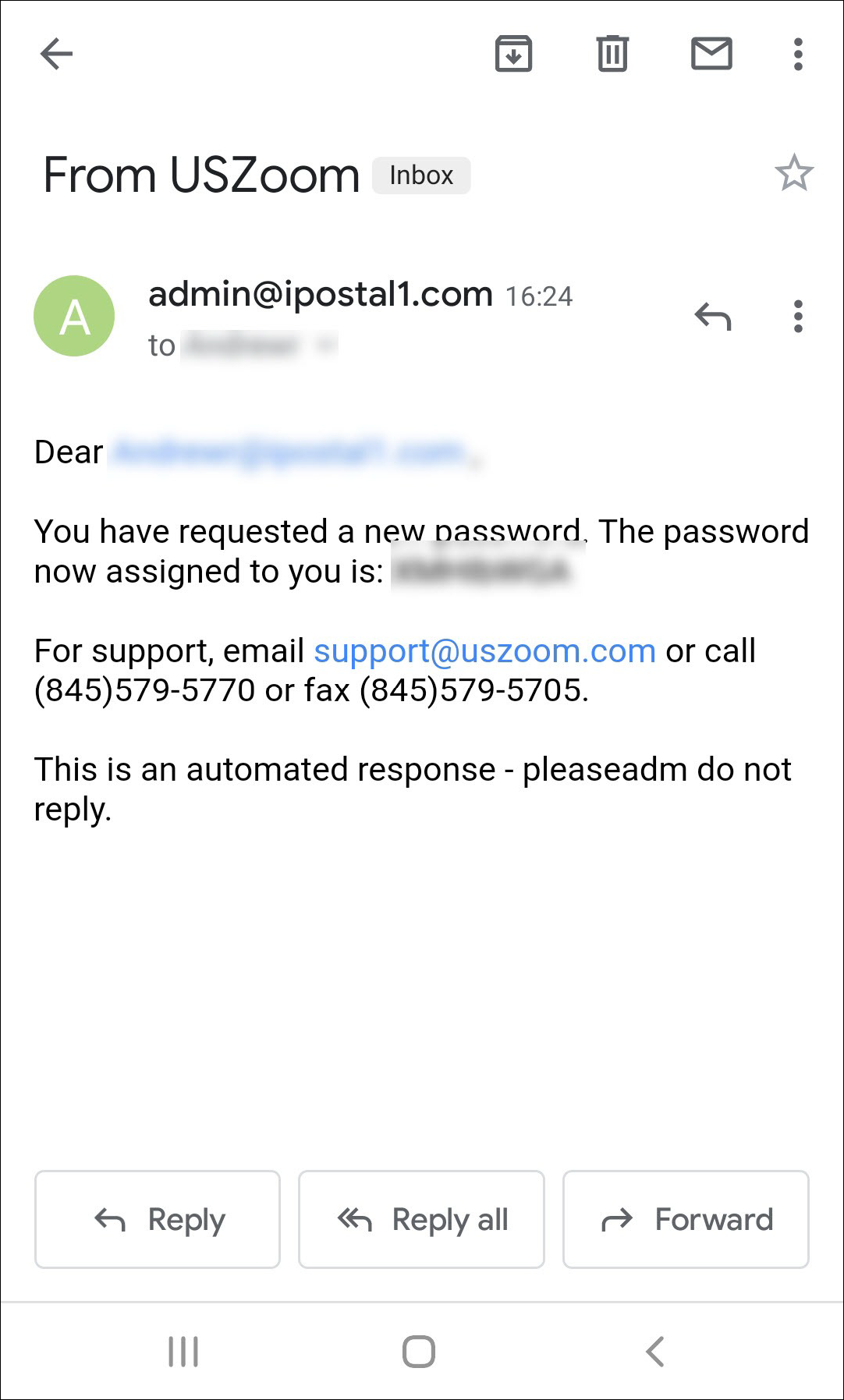
3. Check your email to retrieve the new password that has been assigned to you.
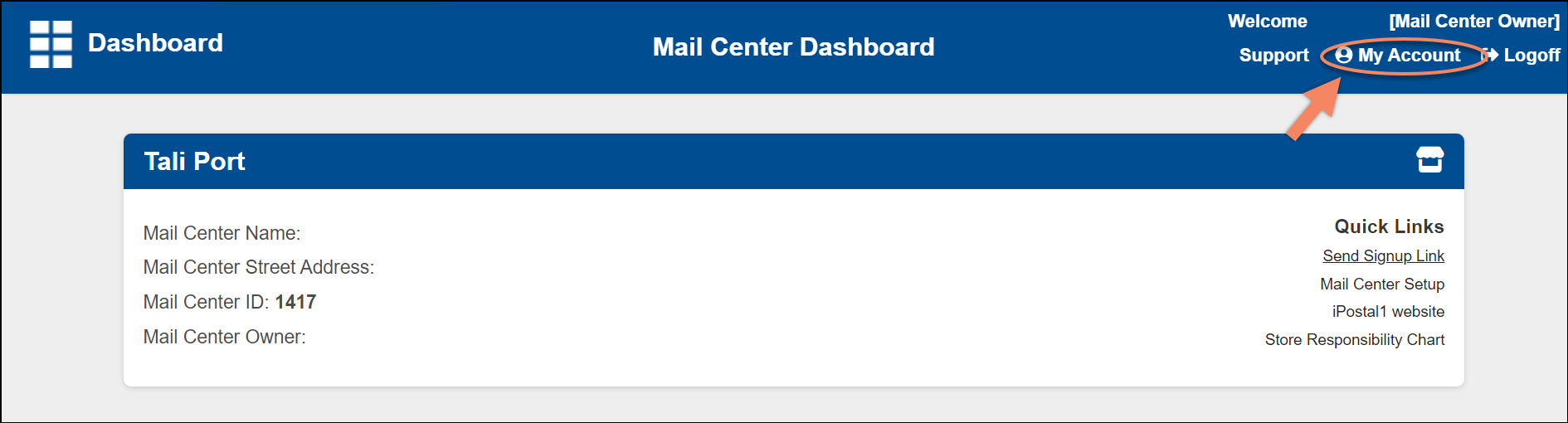
4. If you wish to change the assigned password, login to the Admin Portal Dashboard and click on "My Account" located in the the top right corner.
5. Click on "Click Here To Change Password" and follow the prompts.