
The USZoom App settings are pre set during your initial training but can always be adjusted to your preference.
To change the USZoom Utility App Settings:
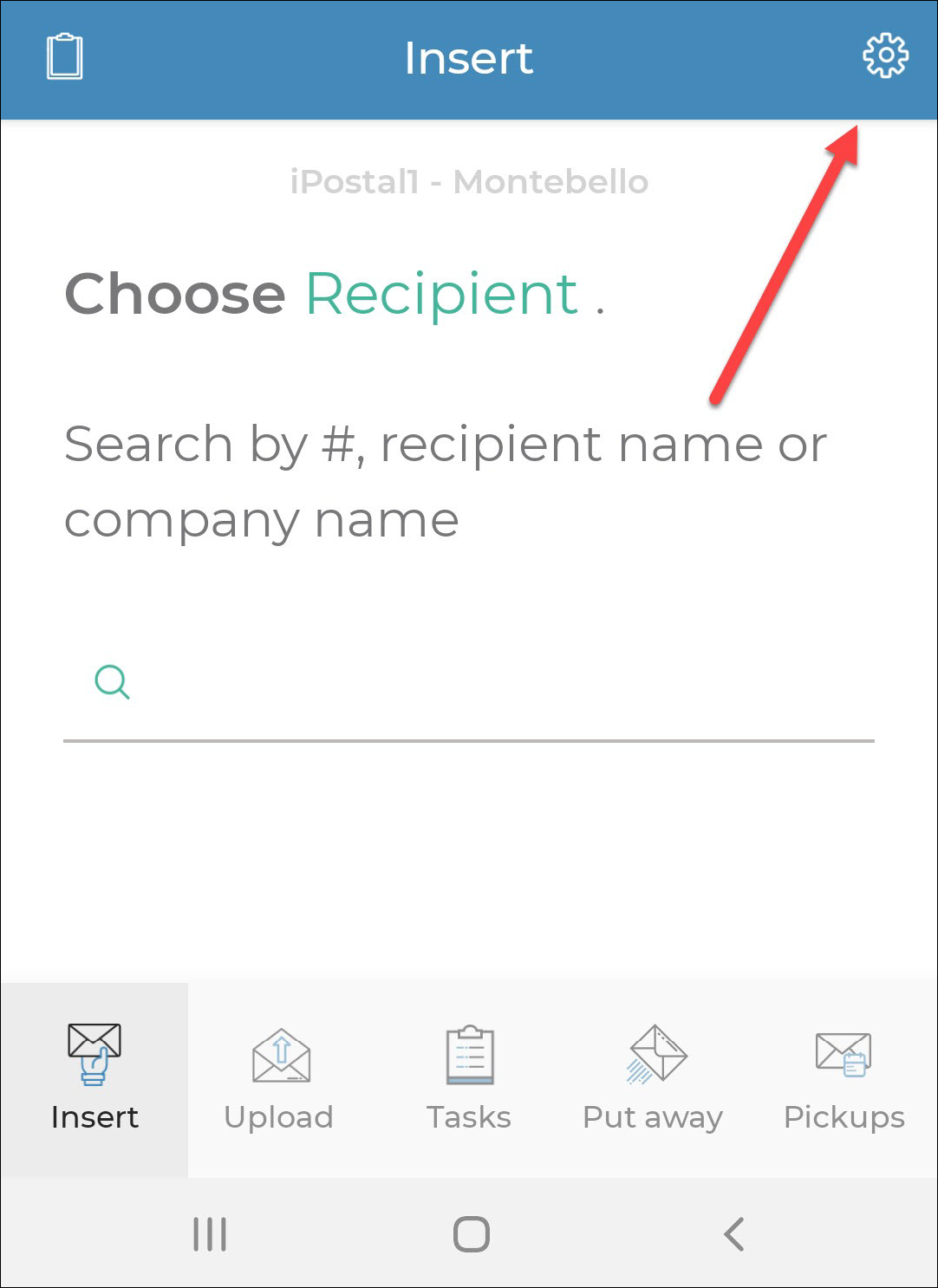
1. Login to your USZoom Utility App, click on the "Settings icon" on the top right corner of your screen.
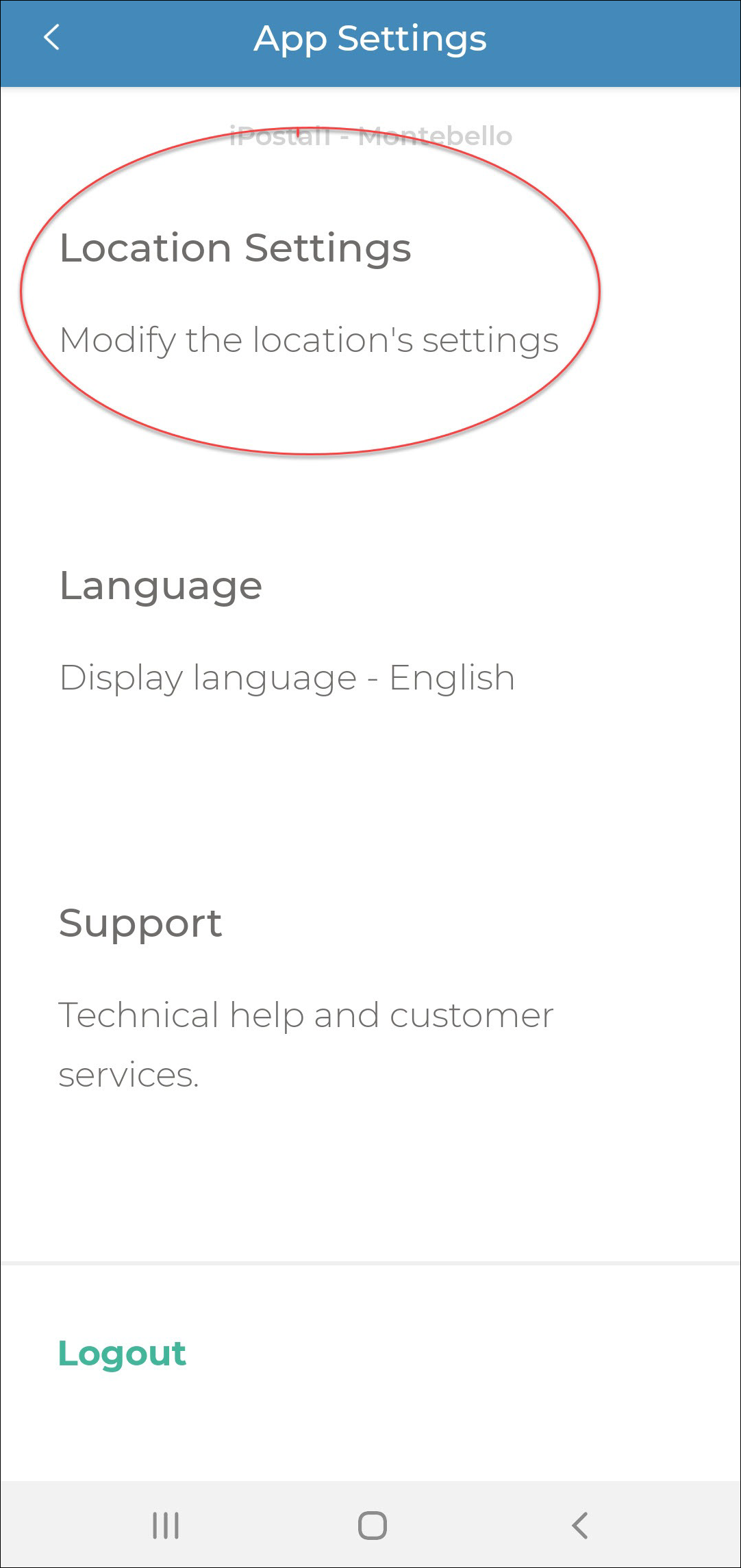
2. Choose "Location Settings".
3. Make adjustments as needed by toggling the settings ON or OFF.
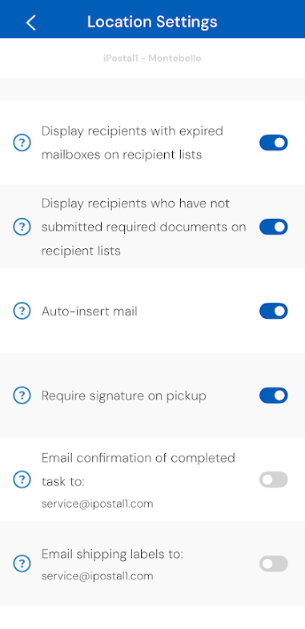
Recommended App Settings:
Display Standard letter mail type on insert mail form - ON
Pickups free by default - OFF
Display recipient with expired mailboxes on recipient list - ON
Display recipients that have not submitted required documents on recipient list - ON
Auto Insert Mail - ON
Require signature on pickup - ON
Email confirmation of completed task - Optional
Email shipping labels to: (your email) - Optional