
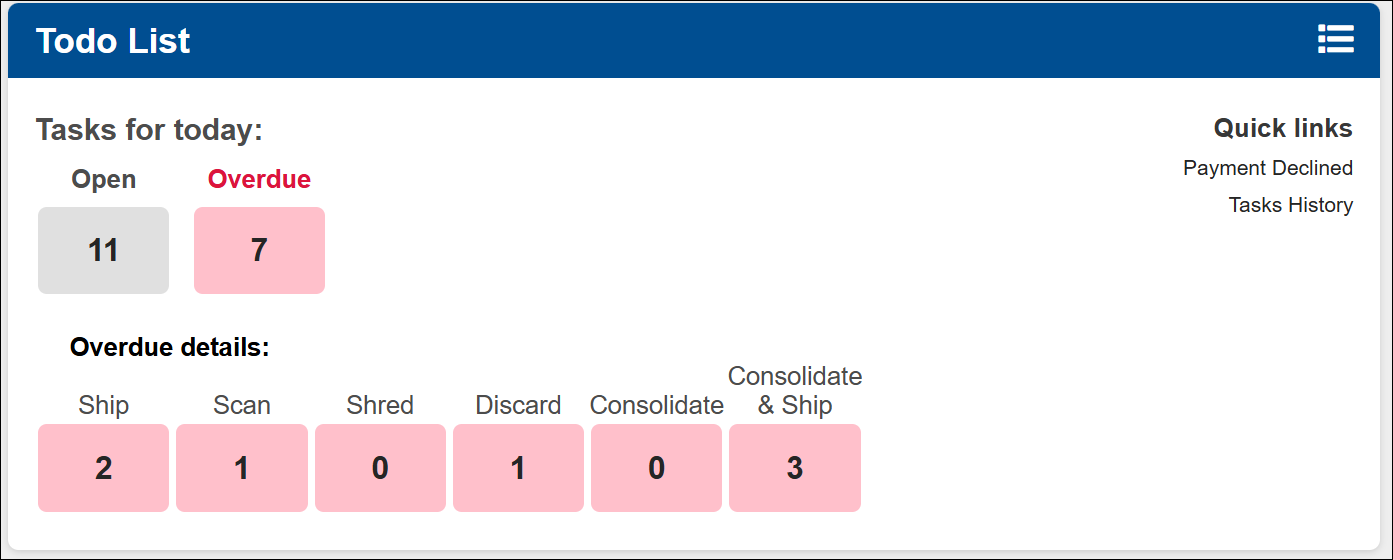
You will find all open tasks for the day that customers request. The task will be marked as overdue after the first 24 hours.
- Payment Declined- Any tasks that does not process due to a failed payment, will appear in this link.
- Tasks History- View all of the tasks that were already processed in the system.
Note: All customers must request tasks from their account directly. (changing the mail item status manually will not create a task in the system)