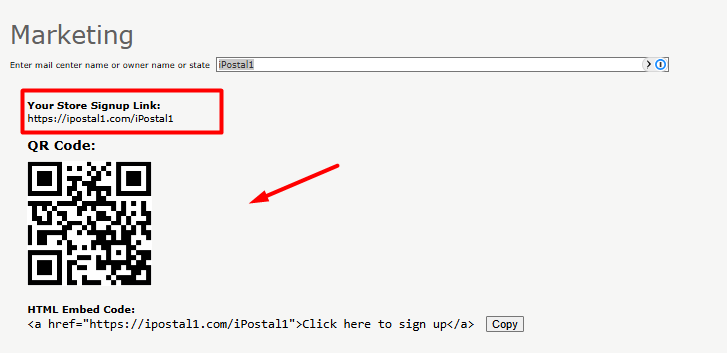
Each location is assigned a unique QR code and URL that can be shared with customers through your personal website or social media channels.
To find your locations signup link and QR code:
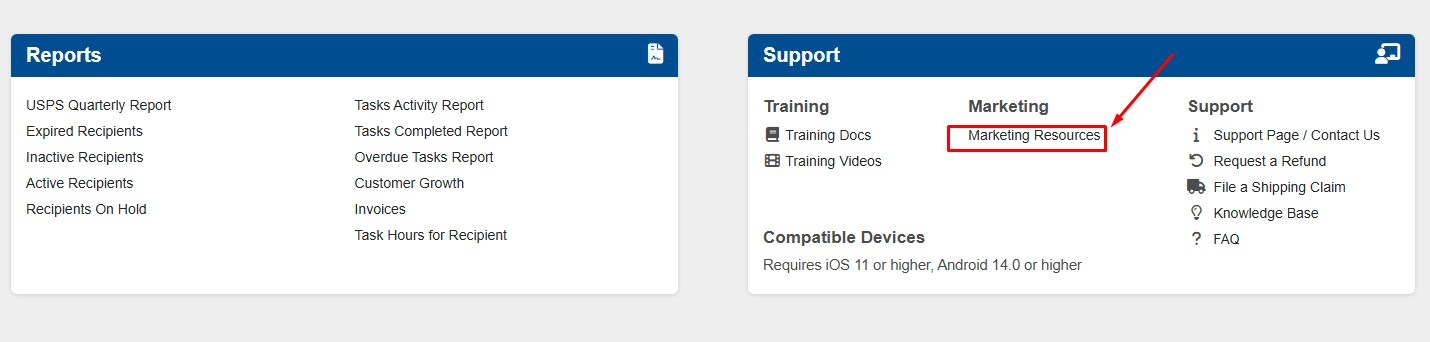
1. Locate the "Support" tile at the bottom right, click on "Marketing Resources".
2. Copy the link or QR code image and paste it into your social media posts, flyers, or any marketing materials you’re creating. Customers can scan the QR with their phone to go directly to your location for signup.