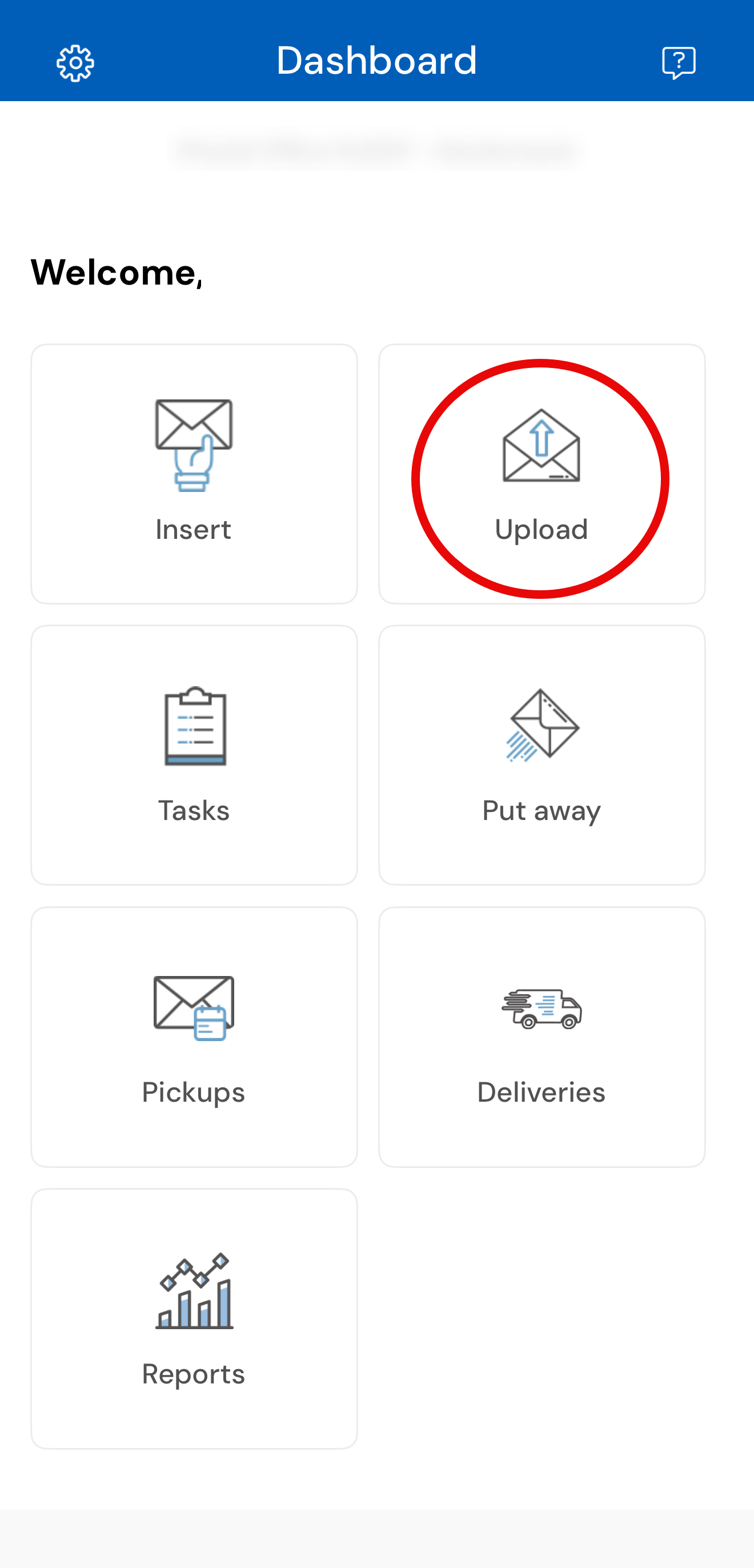
The "Upload" option will allow you to manually upload images of the customers mail. When using this option, the mail item will not be automatically assigned to the customer. When using the "Upload" option, you will be required to manually enter the customer's information and details of the mail item in the Admin Portal Dashboard, after uploading the picture of the mail item in the App.
Note: The simplest way to insert mail for customers is using the "Insert" option instead of "Upload" as this requires more steps and requires the use of both the App and Dashboard.