
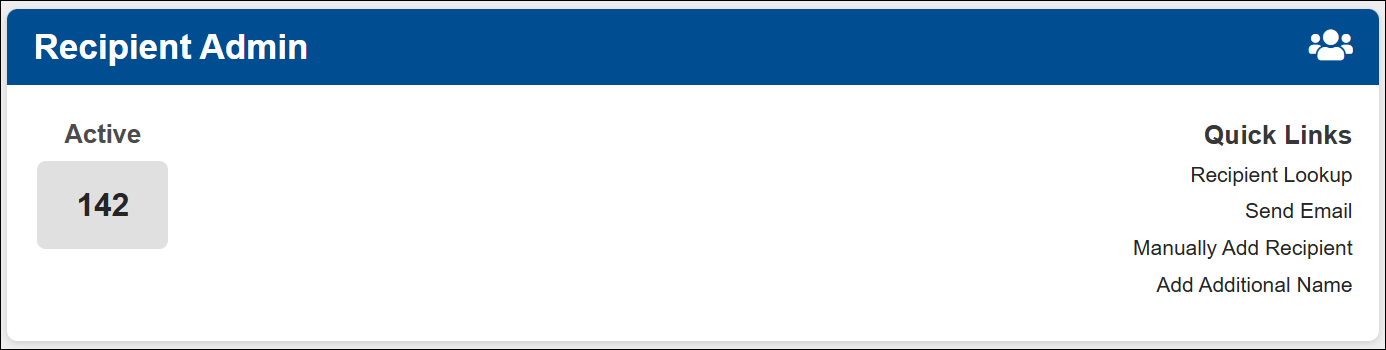
Recipient Admin- Look up active and approved customers using this link. See customer details, plan, contact information, history of tasks, payments and documents that where submitted.
- Recipient Look up- View more details on the customer including their profile, mailbox label, mail items, task history. Be sure the customer is already approved to use this search. Only approved customers will appear here. If the customer is pending, they will not appear in this search.
- Send Email- You can use this link to send an email to one customer or to send to all customers at once.
- Manually Add Recipient- This link is used to add a new customer that has not yet signed up on our website. Once the account is created, the customer will be required to login and submit their payment information. If you get an error or cannot use the email address, make sure the customer does not already have an account with the same email. Please contact support for assistance if needed.
- Add Additional Name- An account is allowed up to 6 recipients or 5 recipients and 1 business name total. If the customer would like to add an additional recipient, a notarized form 1583 and 2 acceptable IDs are required. You can add the name after uploading the required documents in the customers profile.
Note: Only customers who have completed the form 1583 process and are approved, will be searchable in this tile.