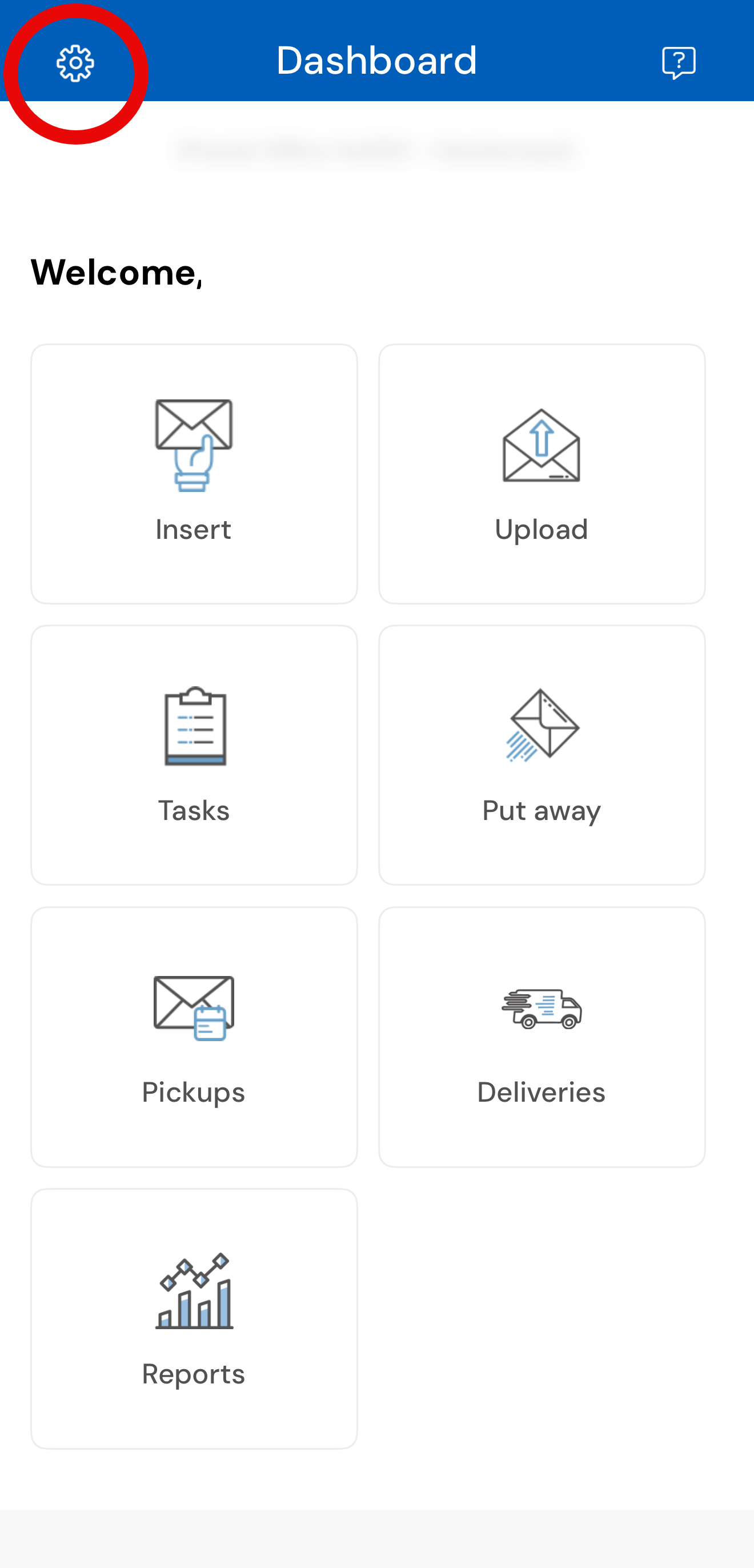
The USZoom App Settings is located at the top left of the App Dashboard. Manage your app settings and access helpful tools such as videos, guides and FAQ's all from within the App.
Settings options:
- Change your password
- Change the app language
- Chat Support
- Partner Support Portal
- Contact us.
Note: Our Partner Support team chat is easily accessible by clicking on the question mark at the top right corner of the App Dashboard.