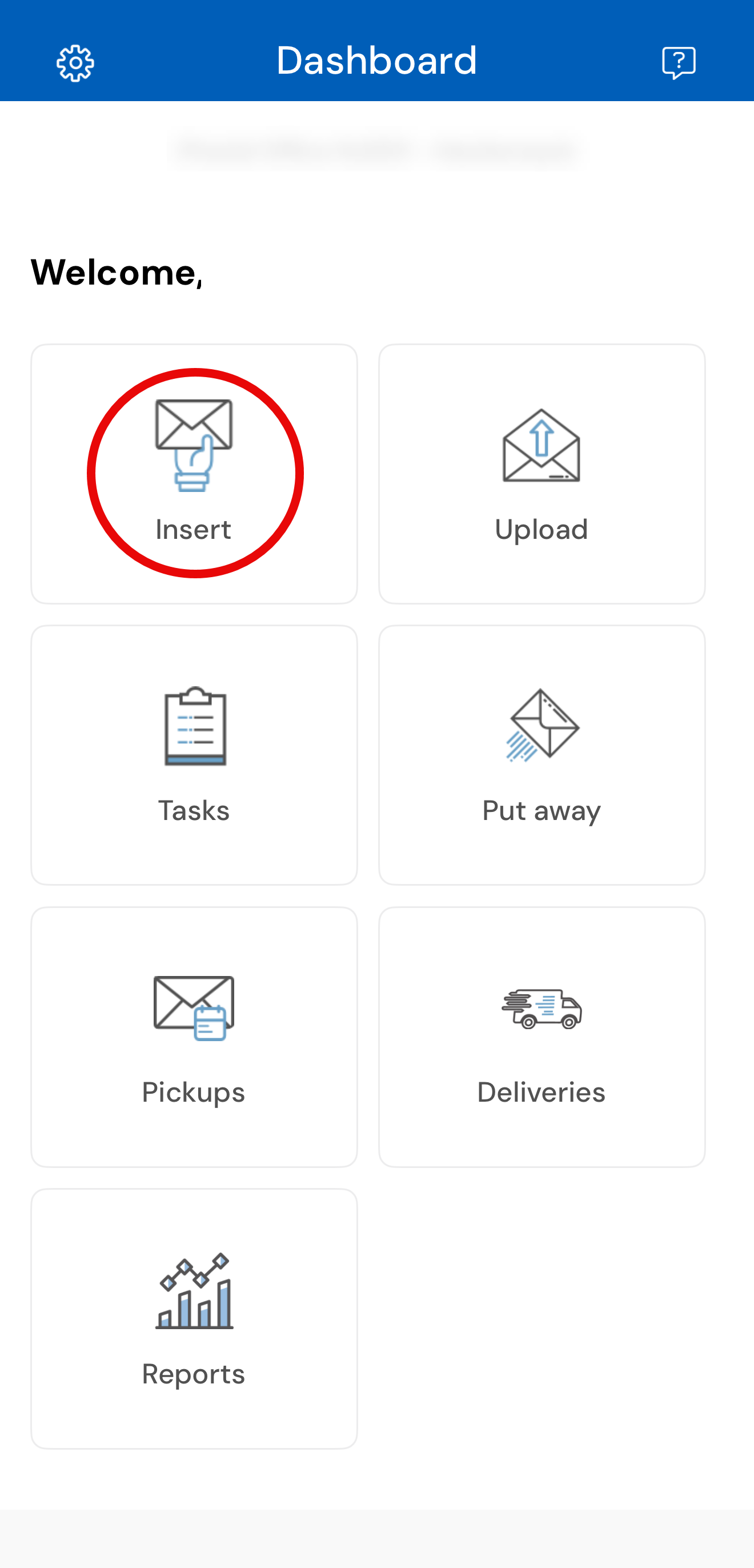
The "Insert" tile is used to insert customer's mail items daily. When selecting "Insert", you will be prompted to search for the Recipient by their name, mailbox number or company name. You will see the customer status and can insert mail for the customer.
Note: If the customer is not approved yet, you will not be able to insert mail but you can notify the customer if mail has arrived by click on "Mail Received". The customer will be notified that they need to complete their 1583 form before receiving mail.