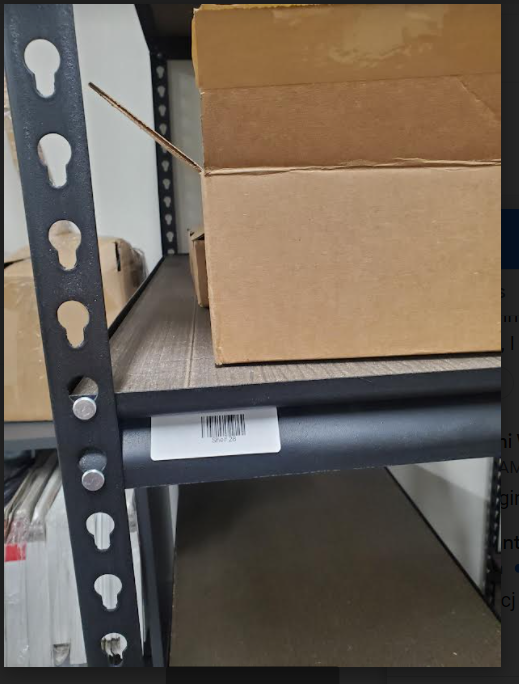
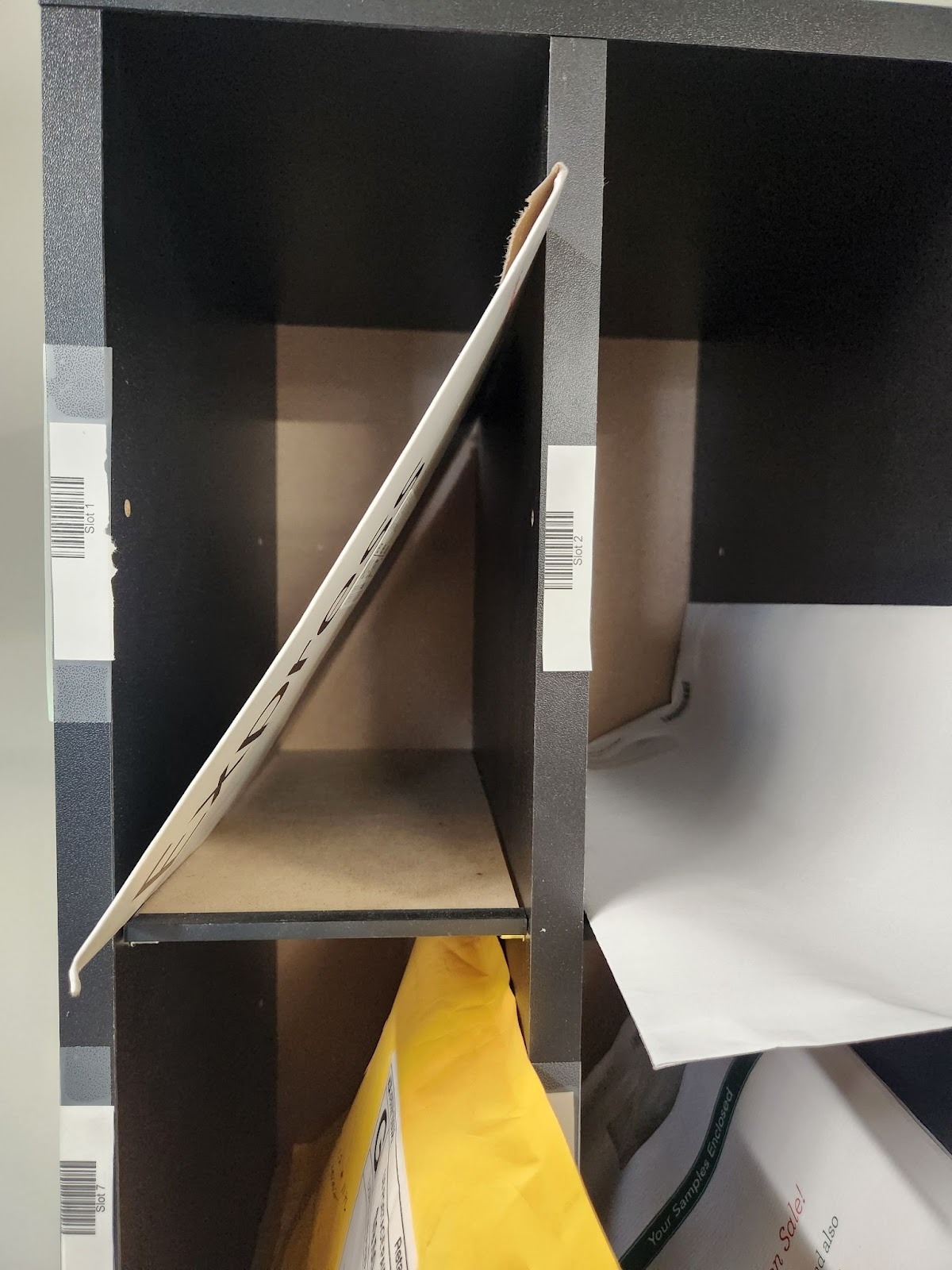
When you begin to establish a steady customer base, you can choose to organize and store mail in designated locations within your mail center. This will help you put away and sort large envelopes and packages in a specific location. Here is step by step directions on how to program and print locations Labels to use this feature in our system.
How to setup storage locations:
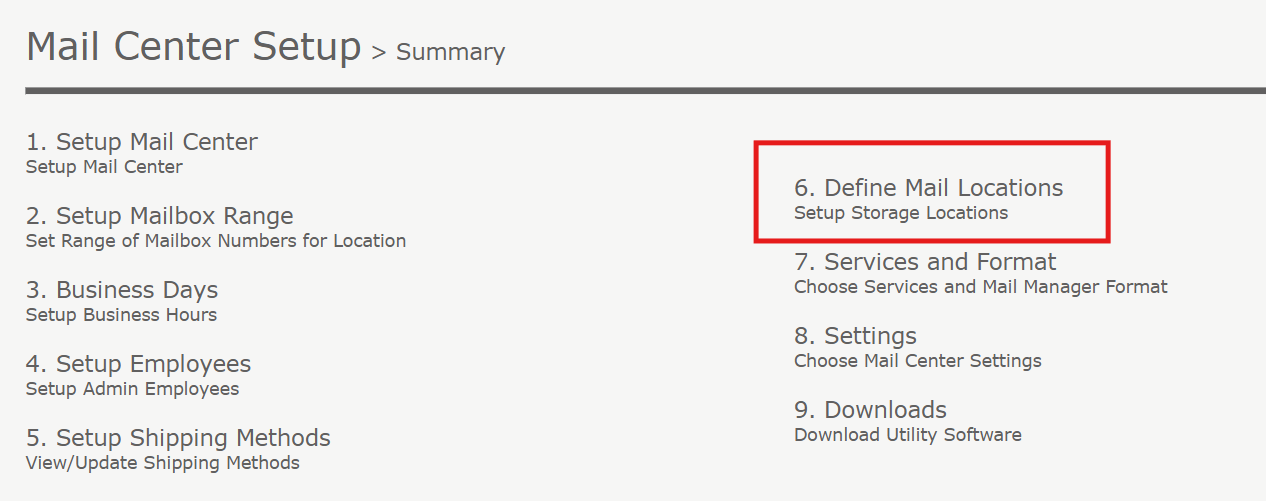
Step 1. Go to "Mail Center Setup" located at the top right of your dashboard under "Quick links":
Step 2. Make sure you are on your mail center. Then click, “Edit”.
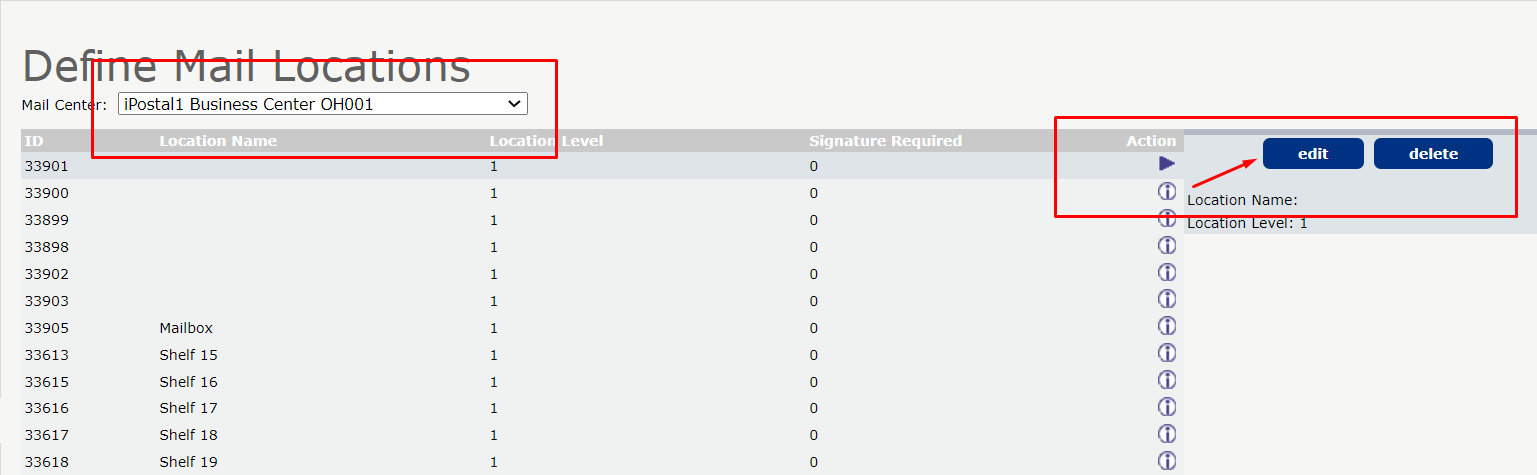
Step 3. Put in your shelf number and then you must leave the second box alone. Then click "Edit".
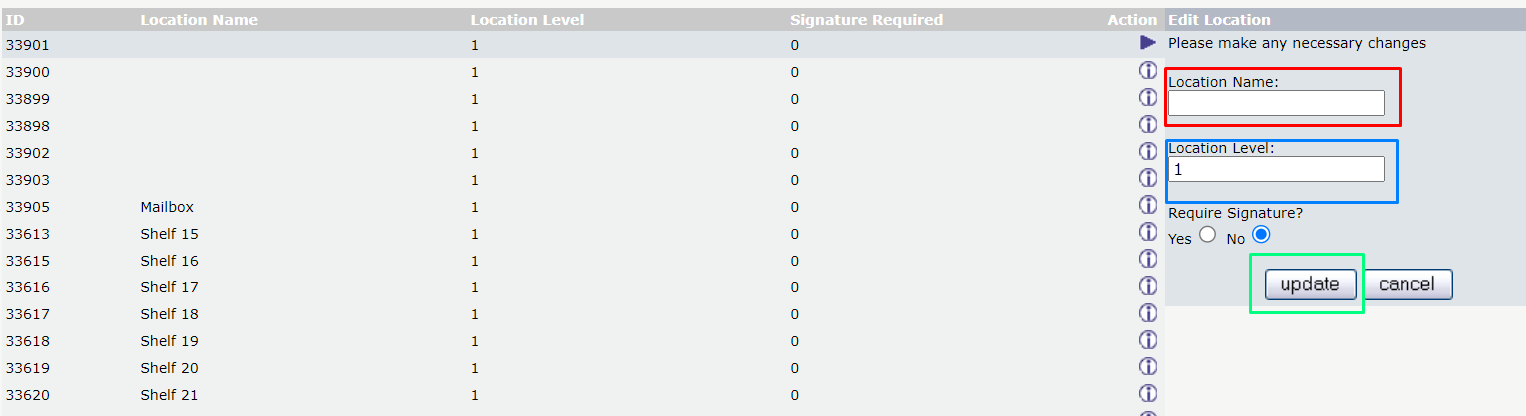
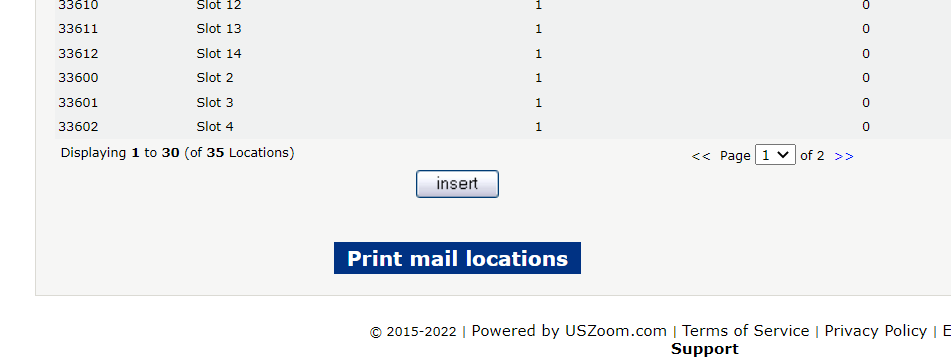
Step 4. After you are done inserting your locations hit the print button.
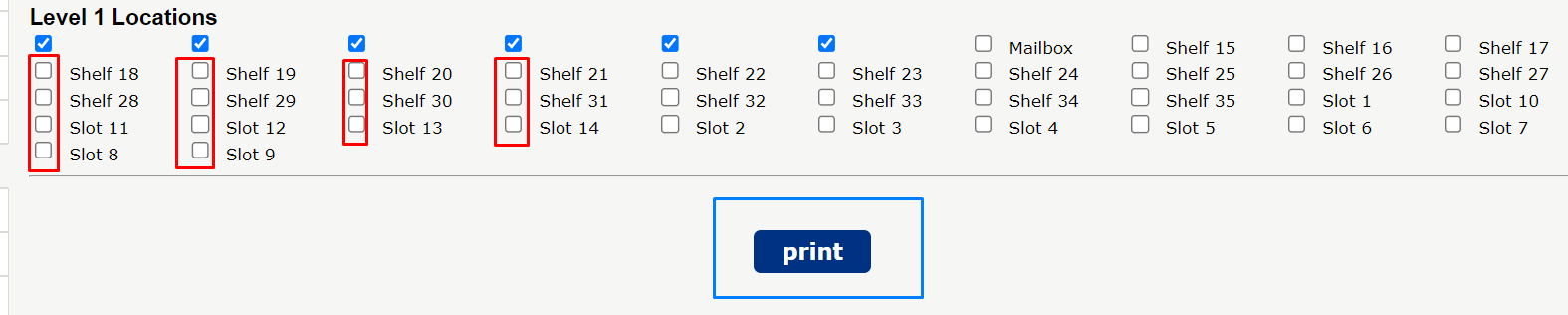
Step 5. You must put a check in all the boxes that you want printed then print.
Step 6. Continue to Print.
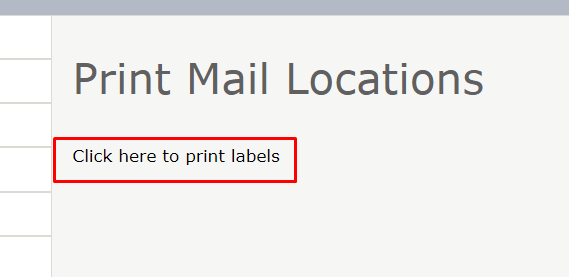
Step 7. After this the normal label print screen will come up. Use the Avery 30 labels Then place as you see fit.