
To Setup Mail Locations:
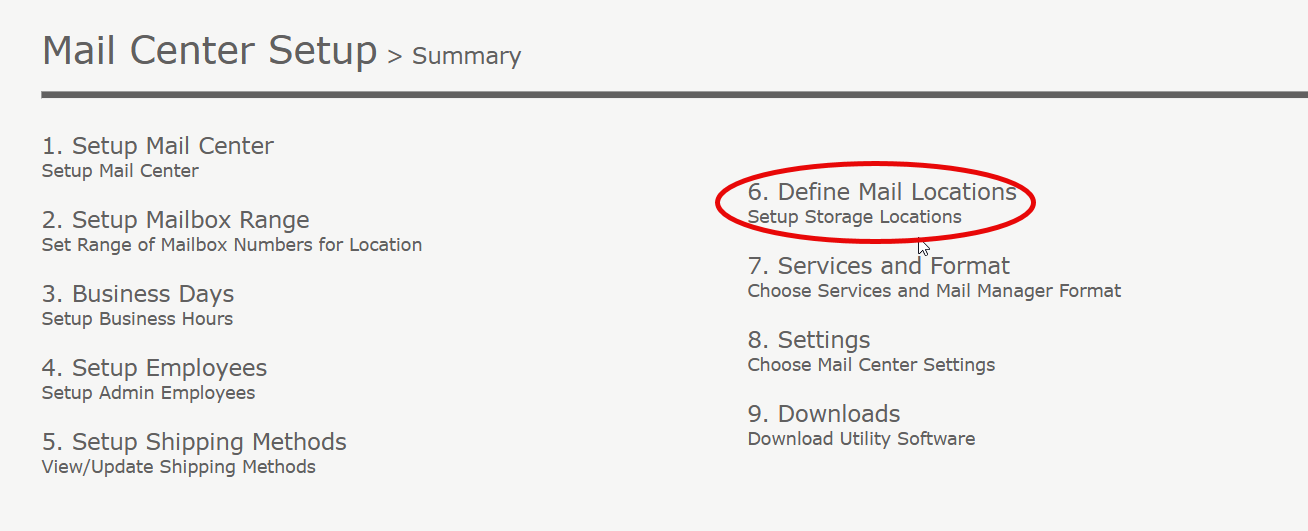
1. Click on "Mail Center Setup" located at the top right under "Quick Links". Click "7. Define Mail Locations".
2. You will see Mail Locations are pre-set for you.
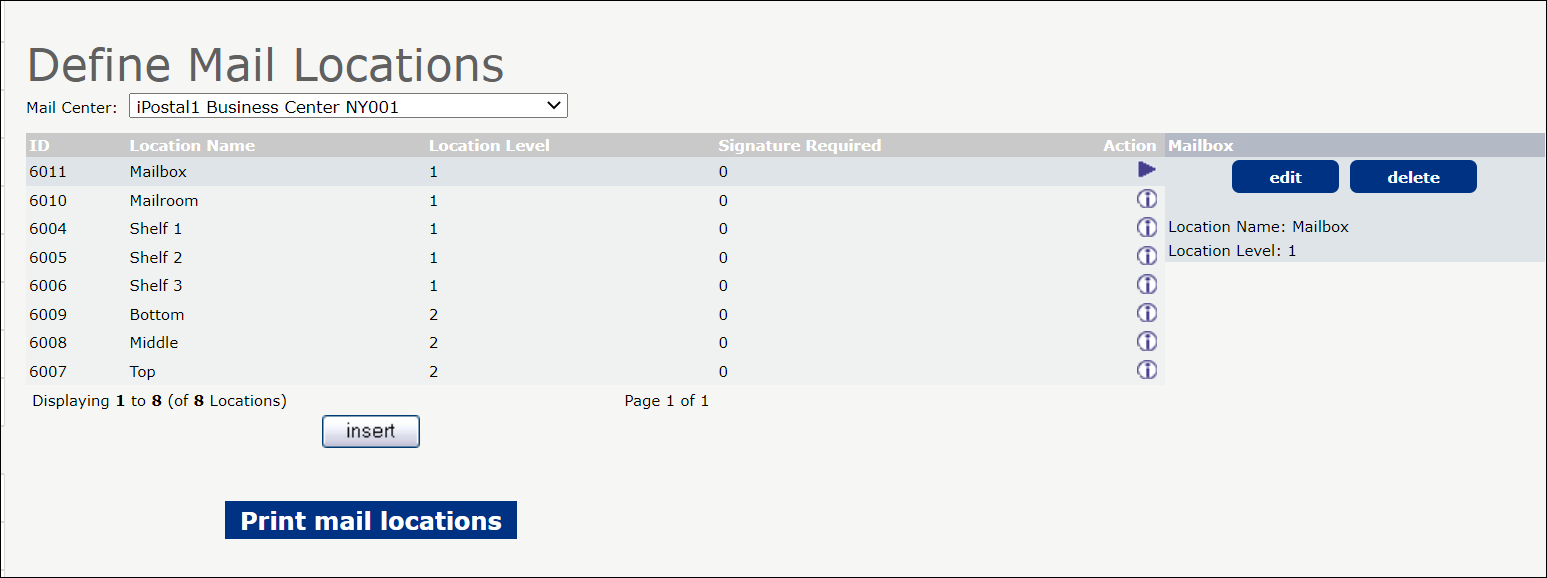 3. You can choose to customize and Add your own locations.
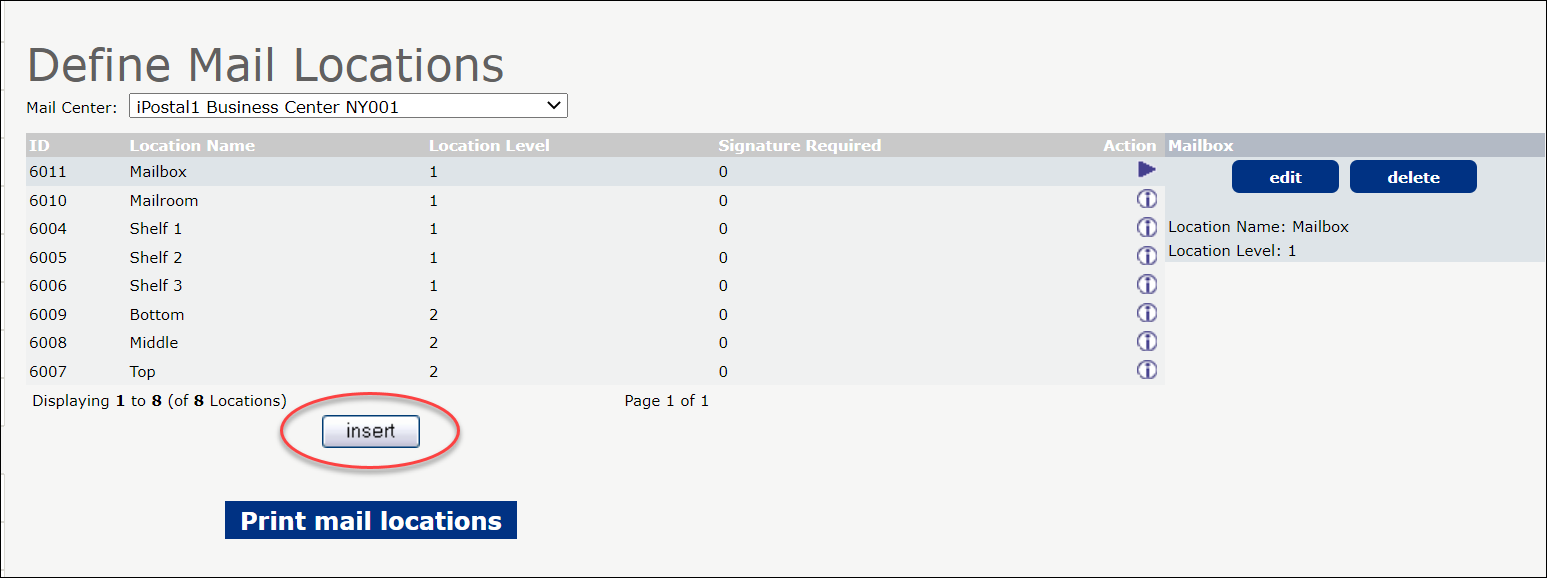 4. To customize the locations based on your office setup, enter the location name and level and click "Insert".
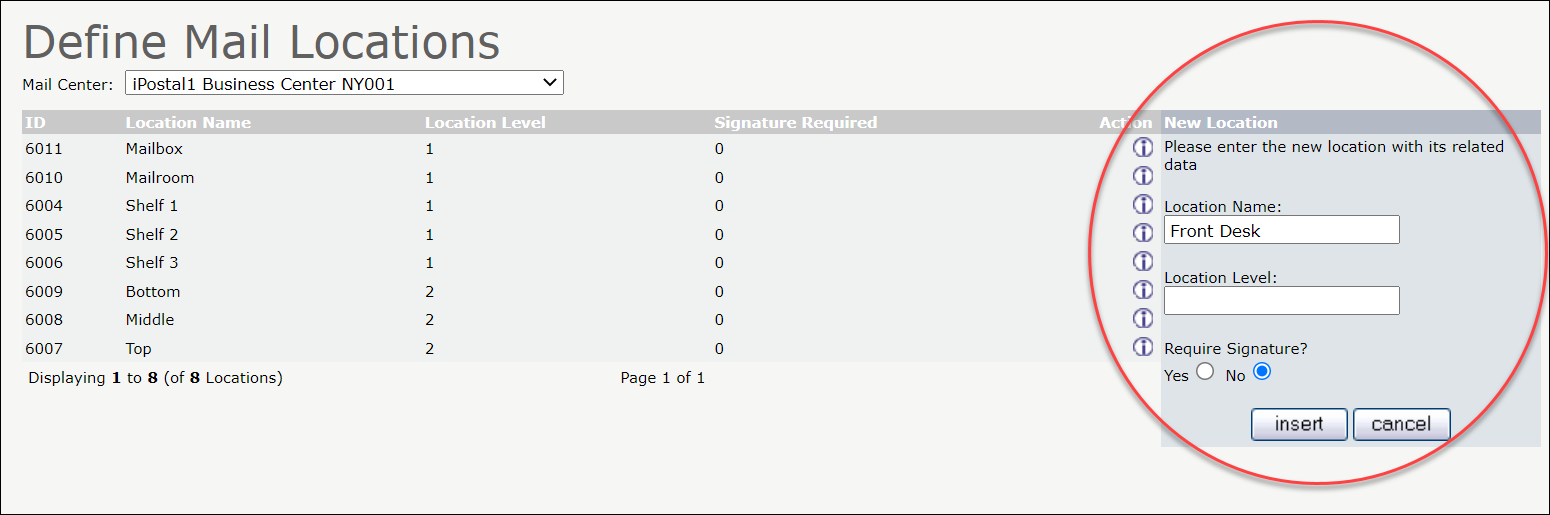 5. Once your locations are setup, click "Print Mail Locations".
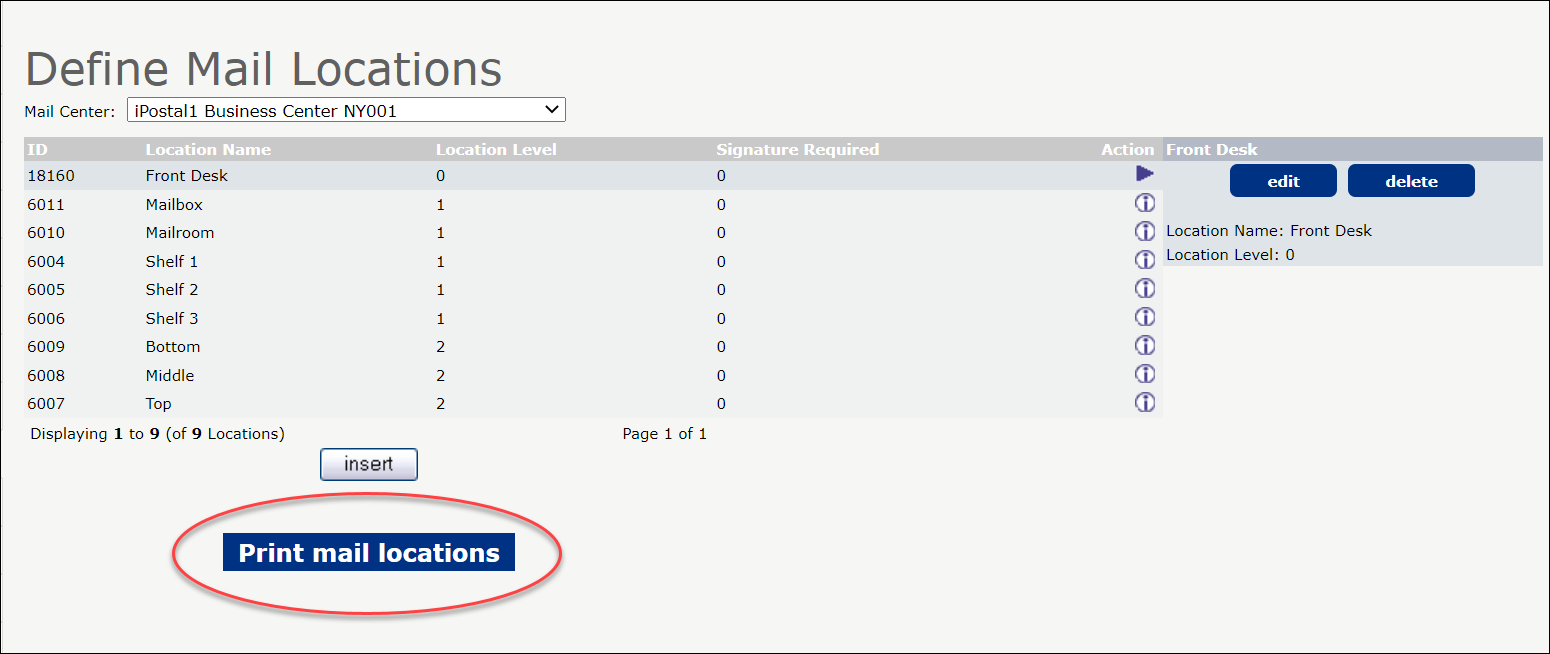 6. Next, Select the Mail Locations that you would like to print labels for.
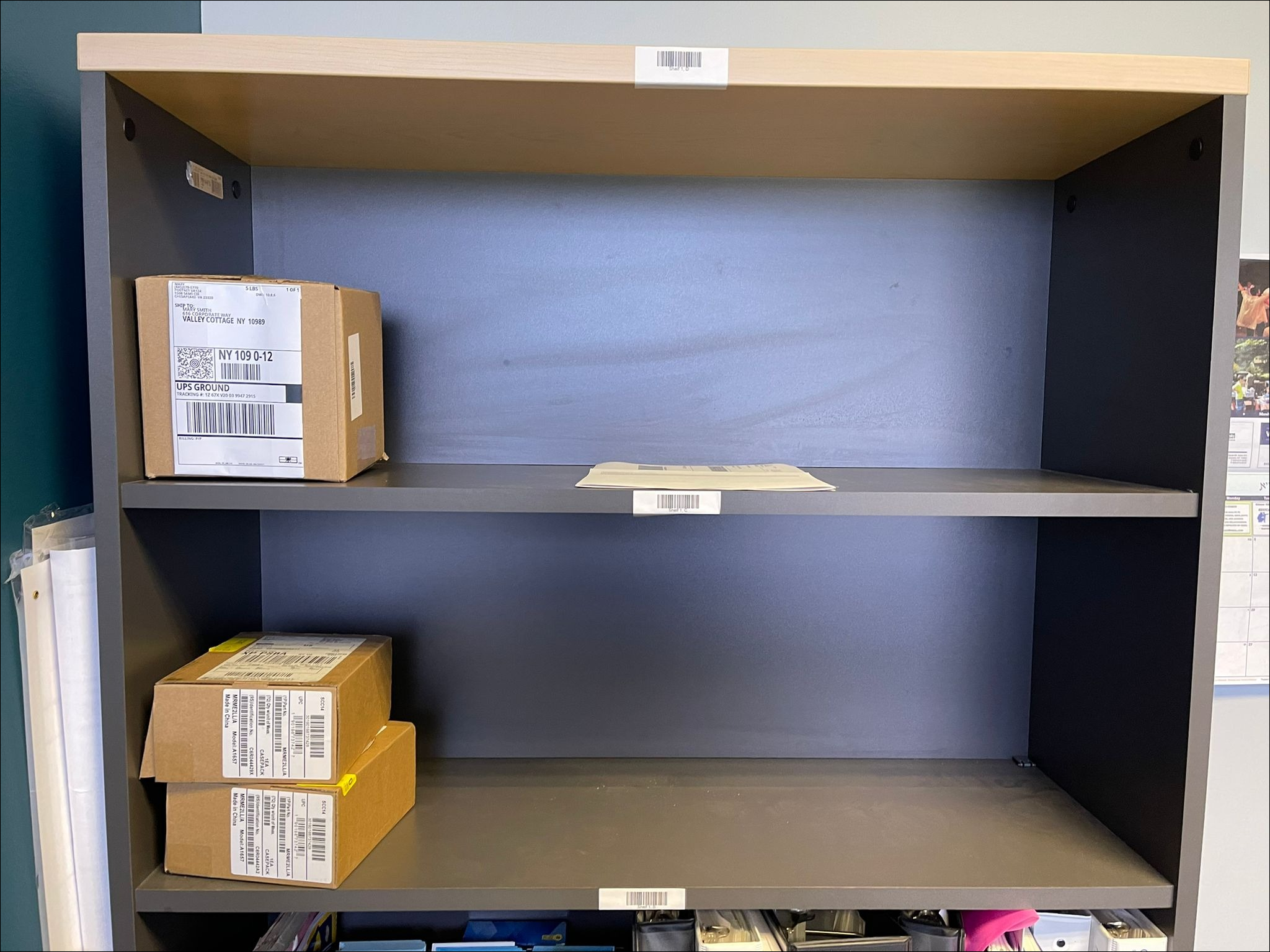
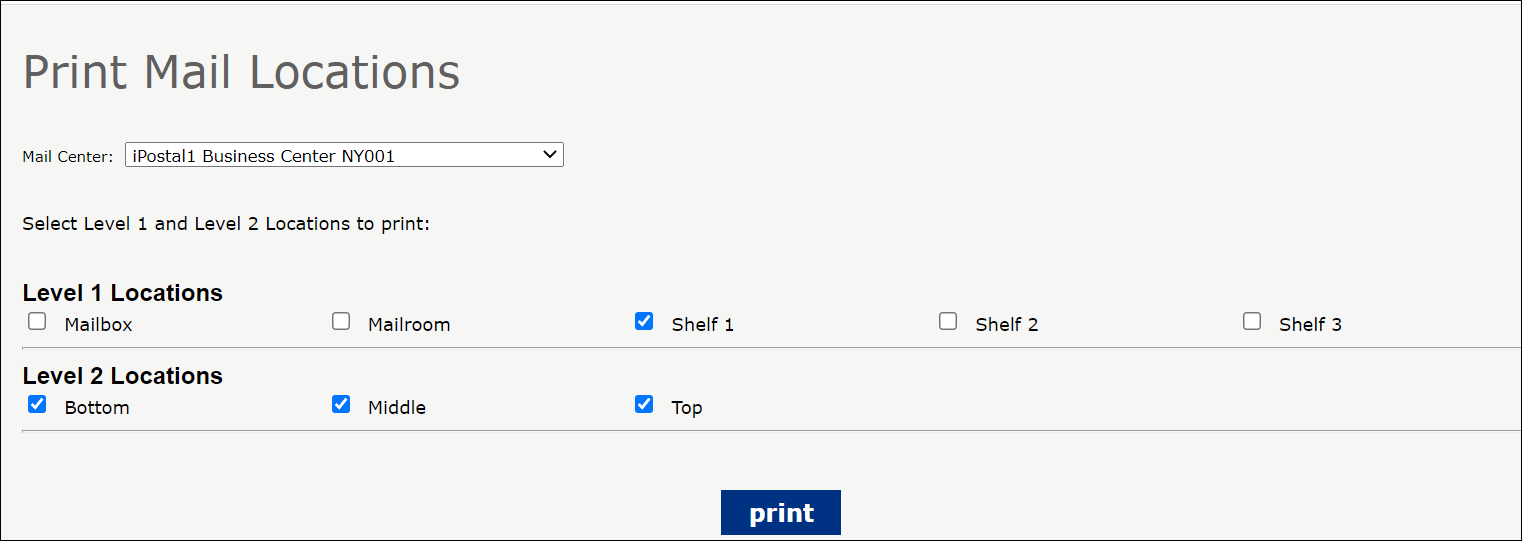 7. Labels with a bar code will print. Stick the label on the shelf location.
Putting mail away using the USZOOM Utility App:
1. Click on the Put away icon.
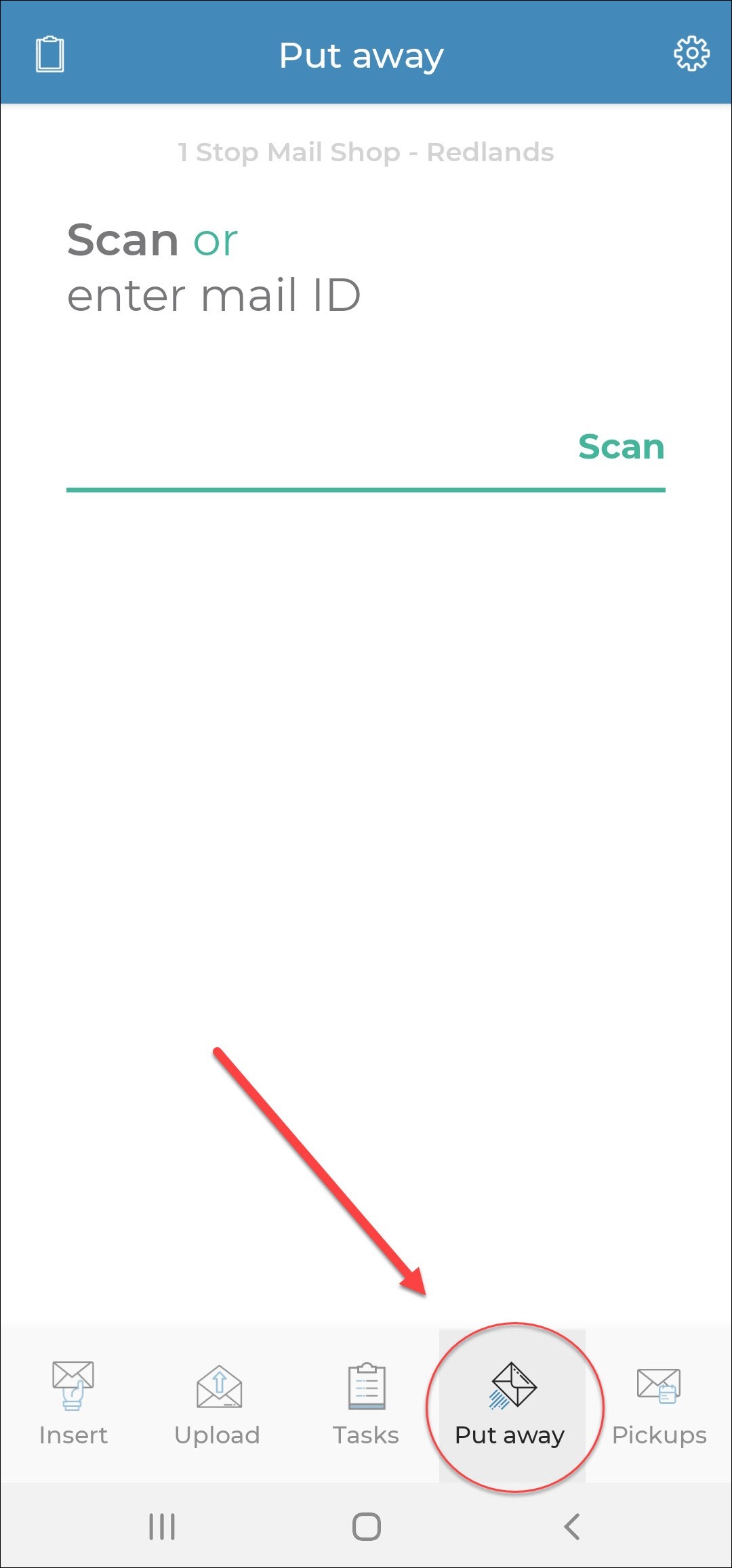
2. Then, scan the mail ID label followed by the location label. The system will record the mail location for the mail ID.
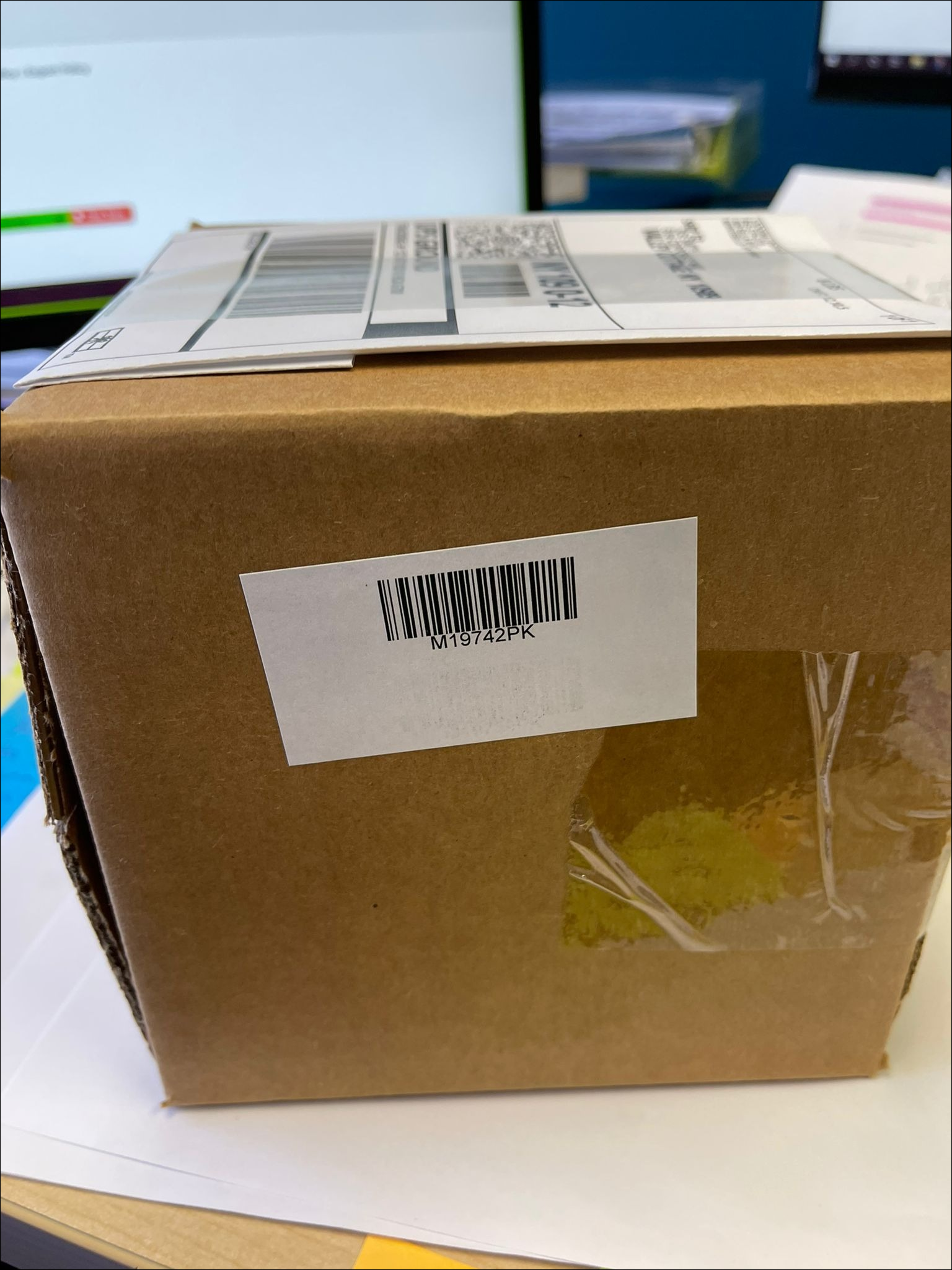
3. When the customer requests a shipping task or comes in to pick up mail, you will be able to easily find the mail item.