If you receive a physical Fax for a customer, you can easily insert the faxed document from your dashboard.
Note: The customer will be charged $2.00 each fax, up to 6 pages and $0.25 each additional page.
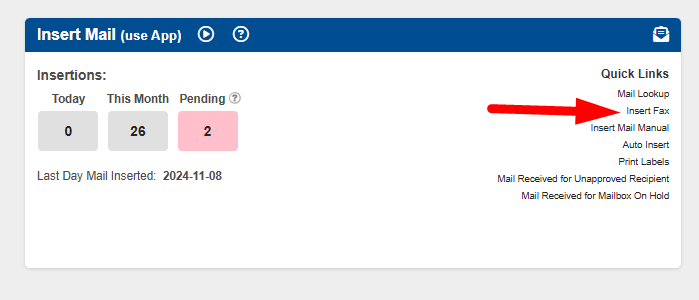
1. Navigate to the "Insert Mail" tile and click on "Insert Fax".
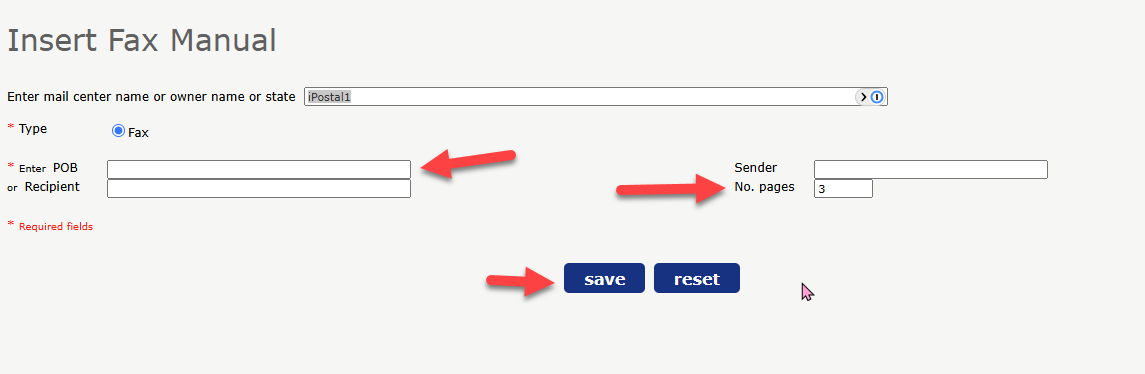
2. Enter the customers mailbox number and enter the number of pages then click "Save".
3. Label the mail item with the new mail ID. The price will automatically be calculated based on the pages selected in step 2. Confirm the price and click "Confirm Order".
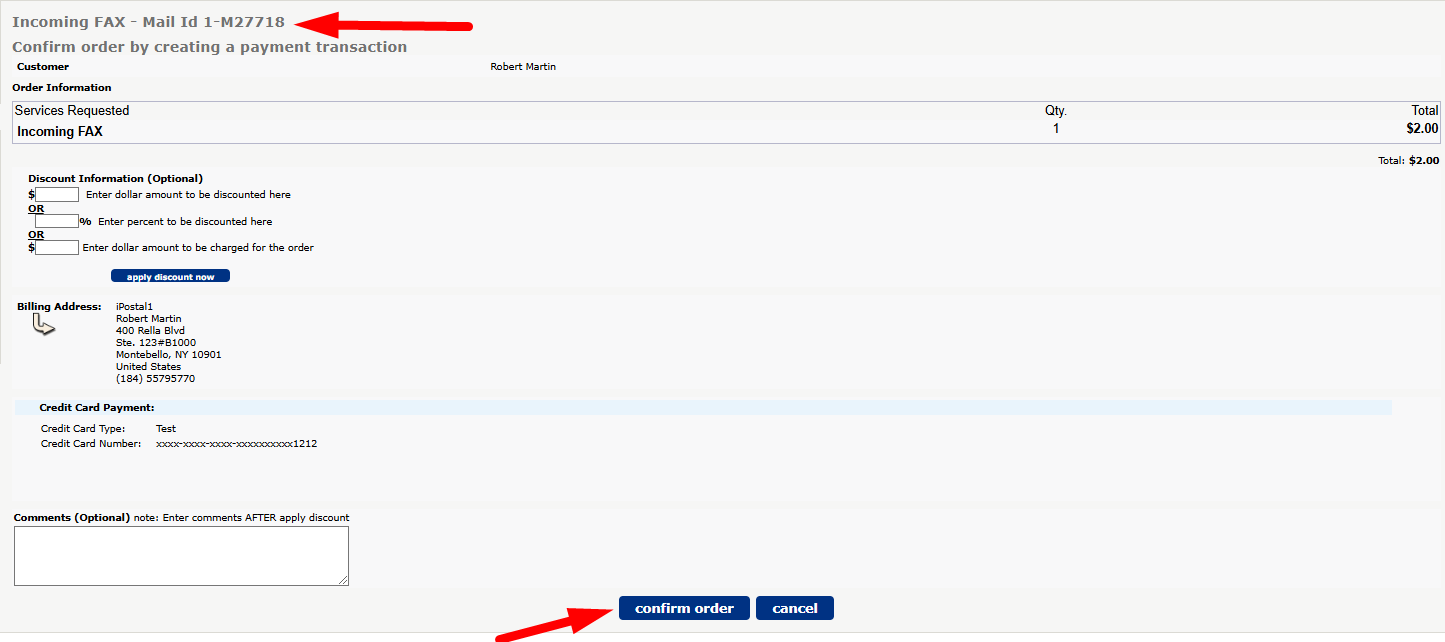
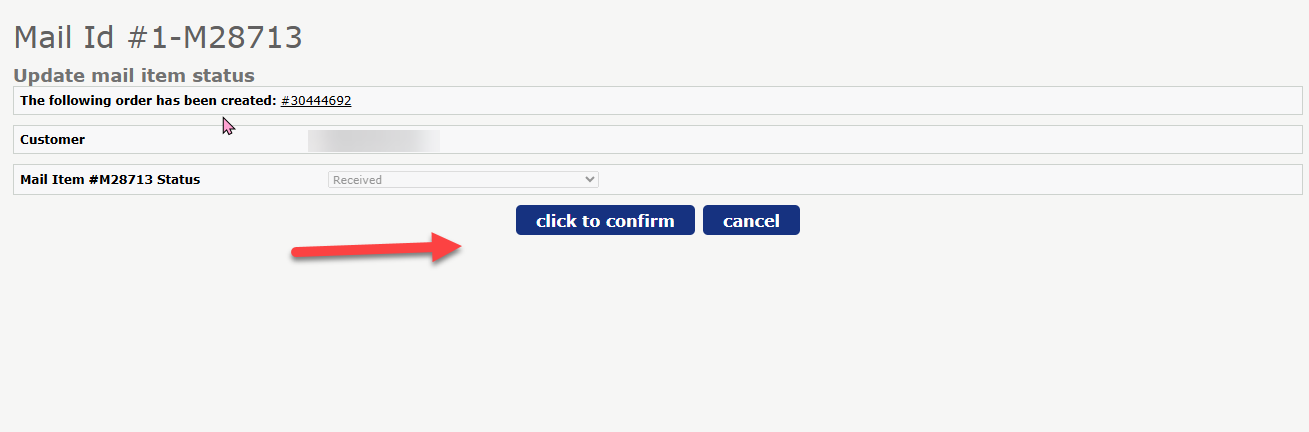
4. Confirm the Mail ID and order number, then click "click to confirm".
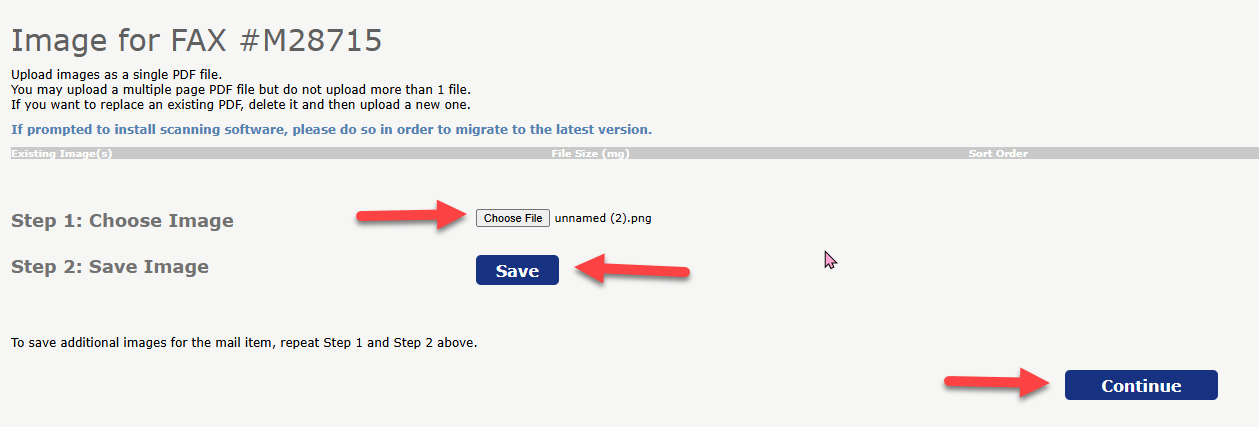
 5. Scan the the fax into your computer. Choose the PDF file and click "Save". To add additional pages, repeat these steps and click "Continue".
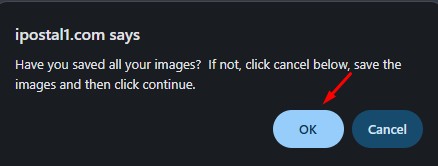
6. Confirm all images are saved and click "Ok". The Fax is now viewable in the customers account.