
Our System always ensures that the credit card on file for a recipient is valid when a payment is processed. If the customers payment fails, they will usually receive an automatic notification to update their payment method.
If a recipient's credit card decline during a task:
1. The system will send an alert to the recipient- and will move the task from "Open" task to "Payment Declined" in the Todo List tile. 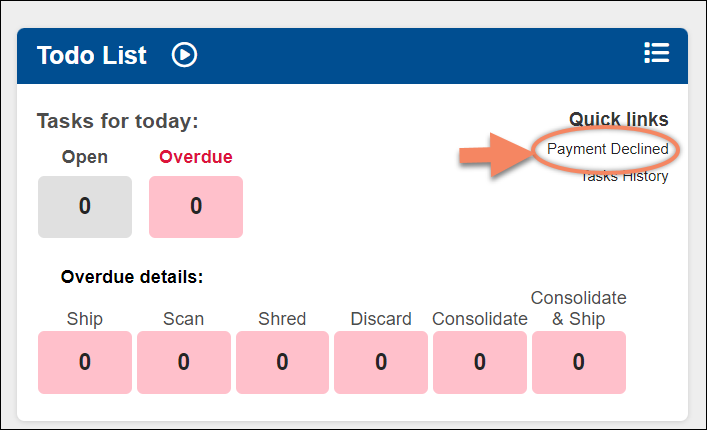
2. The task will be highlighted in Blue to show the payment hasn't been processed. 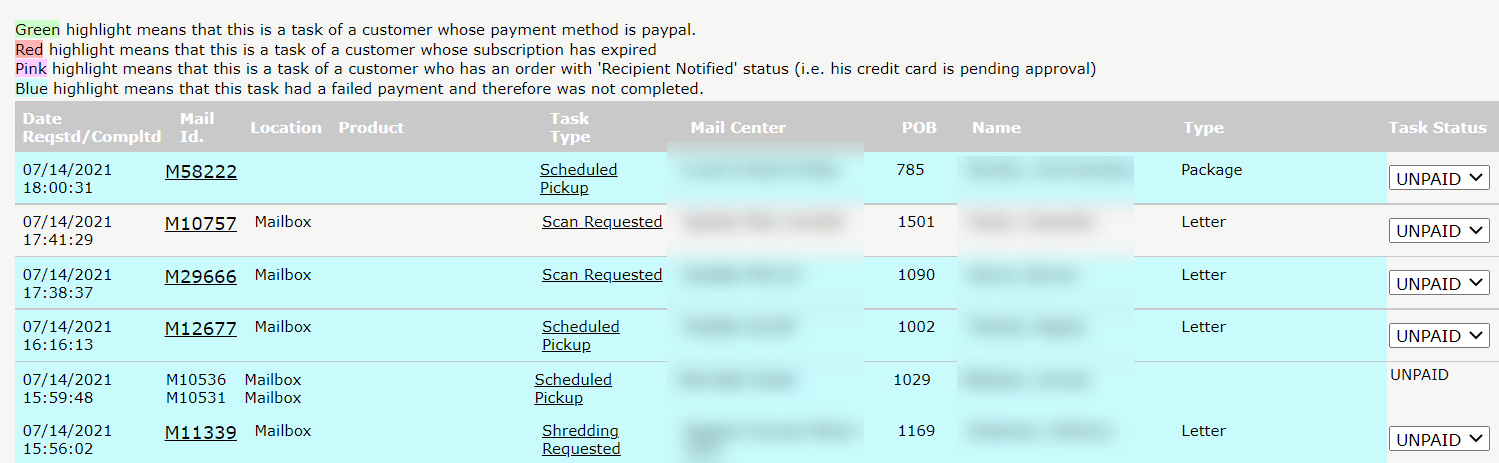
3. The task will remain in "Payment Declined" section until the recipient updates the payment.
Note: Processing the task again can be done by clicking on the task inside the "Payment Declined" section.Click on the task, and trying to process the payment again, you will be able to know if the updated credit card is working.