
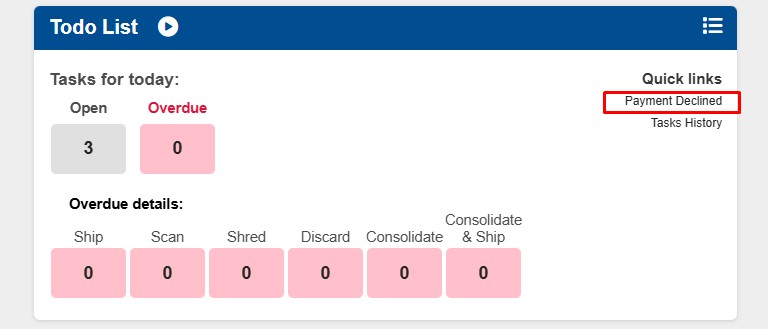
If you are unable to process a task due to failed payment and the task disappears from your to do list, you can view the task in the "Payment Decline" section of your Todo List. We recommend attempting the task at a later time, after the customer updates their payment.
Note: If the customer does not update their payment method within 1 week, you can decline the task and the mail item will go back to the customers mailbox.
1. Locate your "Todo list" and click on "Payment Decline".
2. Locate the task and click on the green "View" button. The task will go back to your Todo list.